Sometimes it can be handy to be able to mount a folder in another computer, as if it was local, just having a SSH connection.
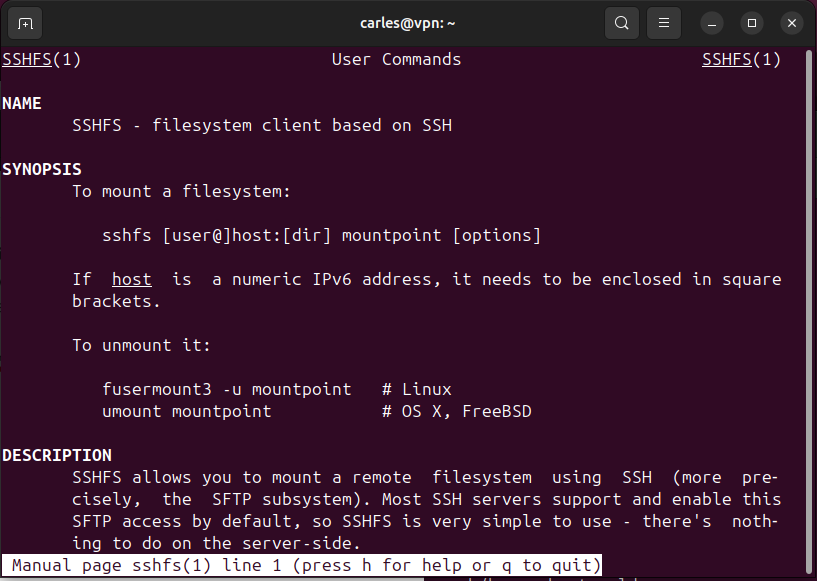
This is what sshfs tool does.
If you’re able to ssh to a host, then you’re able to mount a remote folder to you local computer.
In Ubuntu simply do:
sudo apt install sshfs
Then mount the remote dir with:
sshfs yourremoteuser@remotehost:/route /localmountpoint
After this you’ll be able to ls, cp, mv… and do any command as if it was your local folder, or a NFS remote mounted folder.
Bear in mind that if your Internet connection drops, the mount point will be inaccessible and any IO operation will take forever.