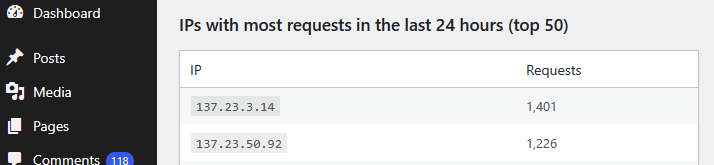
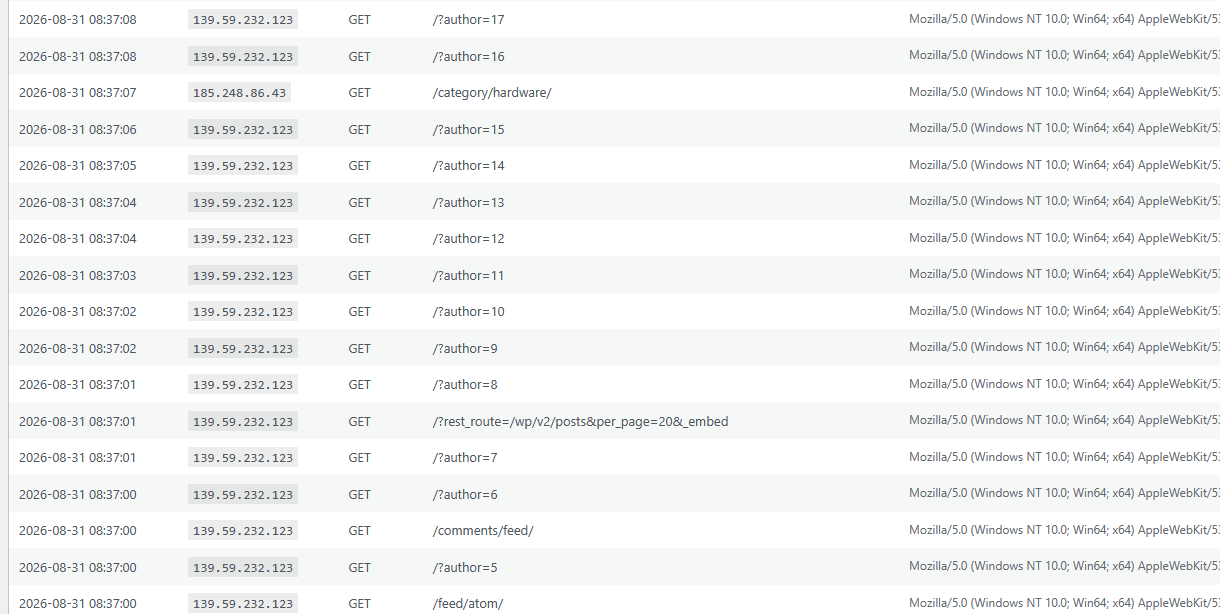
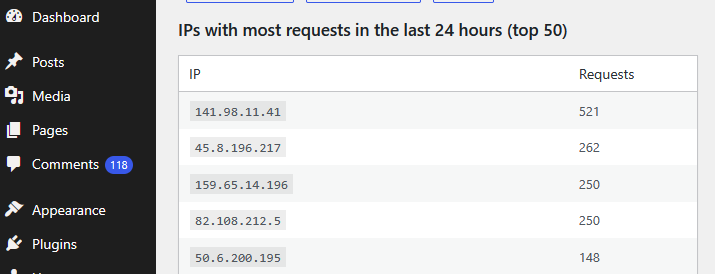
One of my Servers got heavily attacked for several days. I describe here the steps I took to stop this.
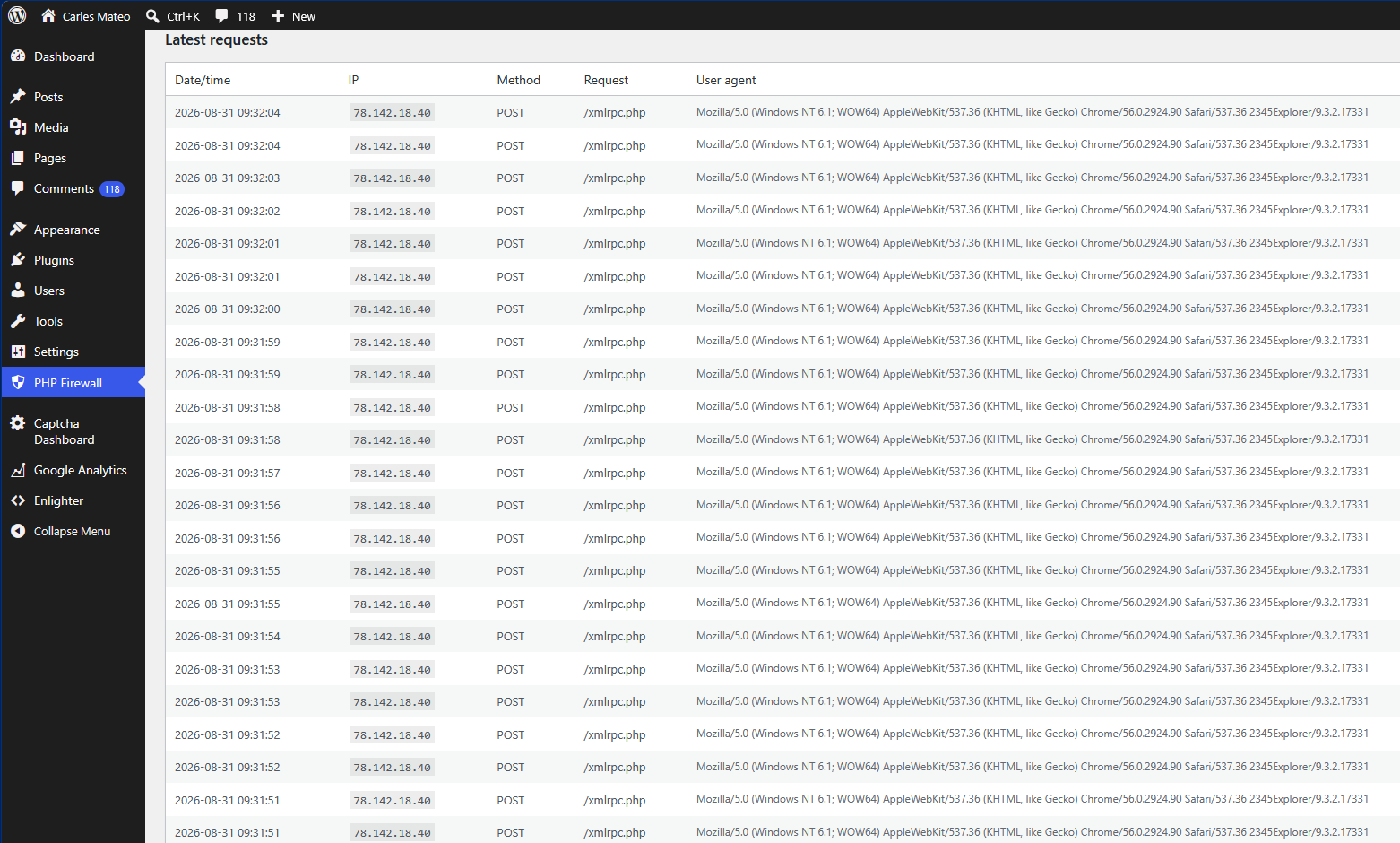
The attack consisted in several connections per second to the Server, to path /xmlrpc.php.
This is a WordPress file to control the pingback, when someone links to you.
My Server it is a small Amazon instance, a m1.small with only one core and 1,6 GB RAM, magnetic disks and that scores a discrete 203 CMIPS (my slow laptop scores 460 CMIPS).
Those massive connections caused the server to use more and more RAM, and while the xmlrpc requests were taking many seconds to reply, so more and more processes of Apache were spawned. That lead to more memory consumption, and to use all the available RAM and start using swap, with a heavy performance impact until all the memory was exhausted and the mysql processes stopped.
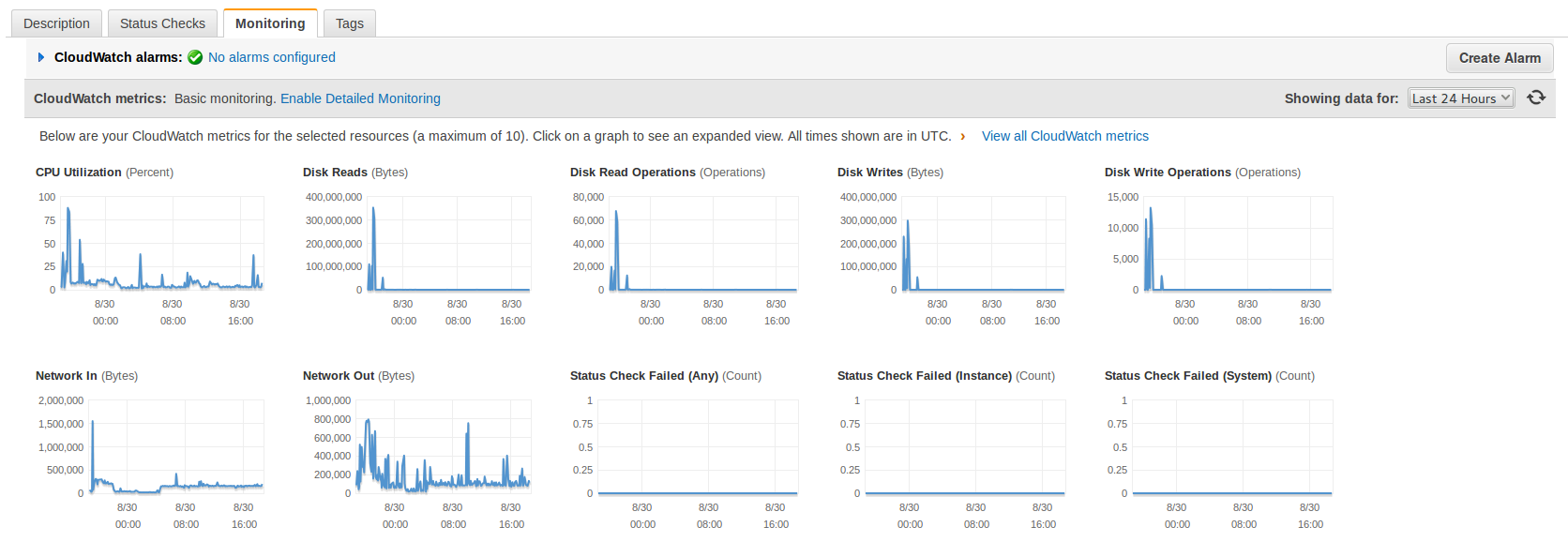
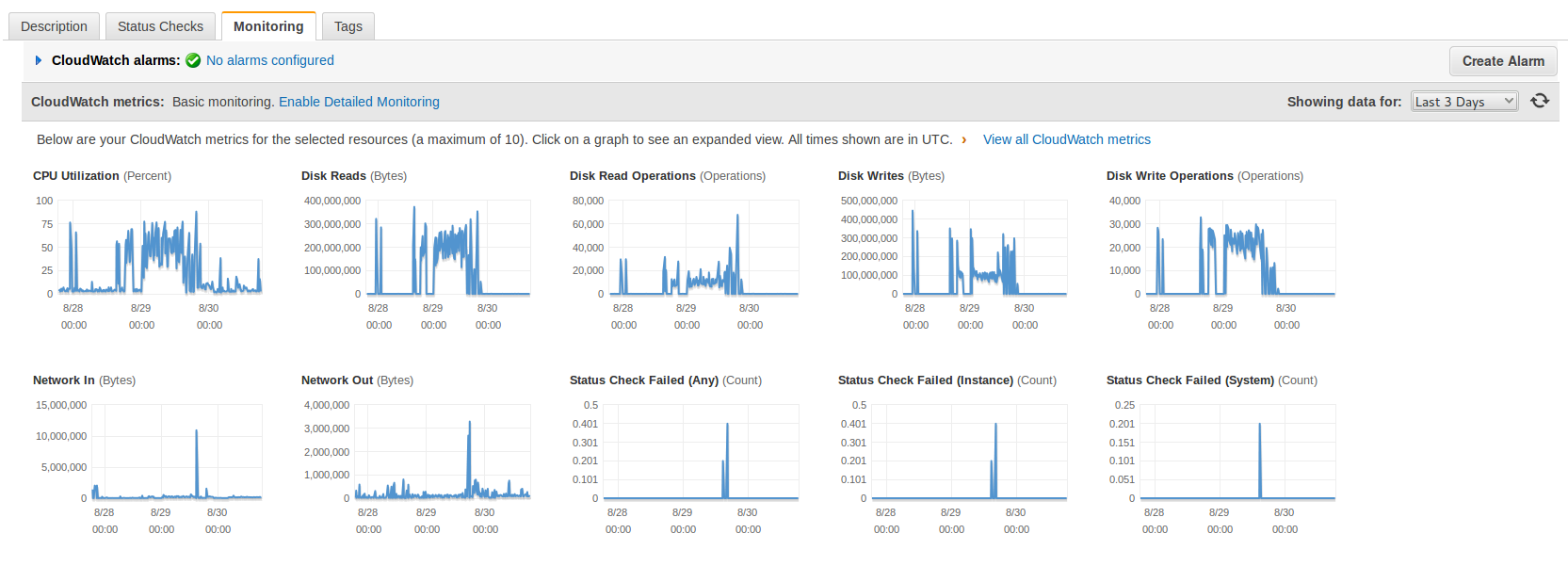
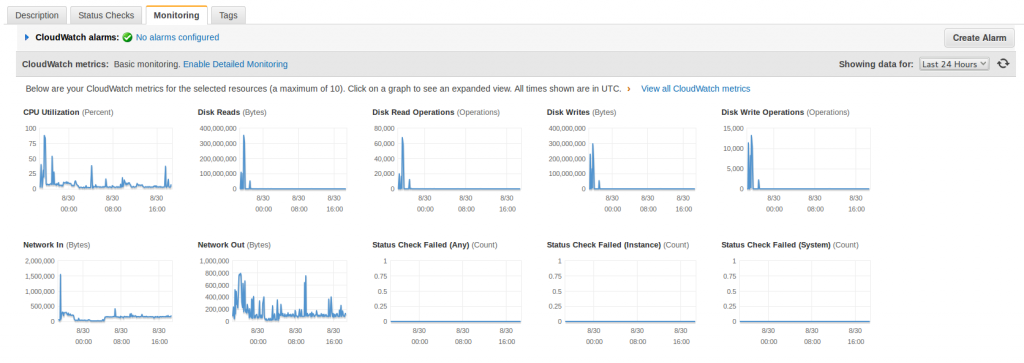
I saw that I was suffering an attack after the shutdown of MySql. I checked the CloudWatch Statistics from Amazon AWS and it was clear that I was receiving many -out of normal- requests. The I/O was really high too.
This statistics are from today to three days ago, look at the spikes when the attack was hitting hard and how relaxed the Server is now (plain line).
First I decided to simply rename the xmlrpc.php file as a quick solution to stop the attack but the number of http connections kept growing and then I saw very suspicious queries to the database.
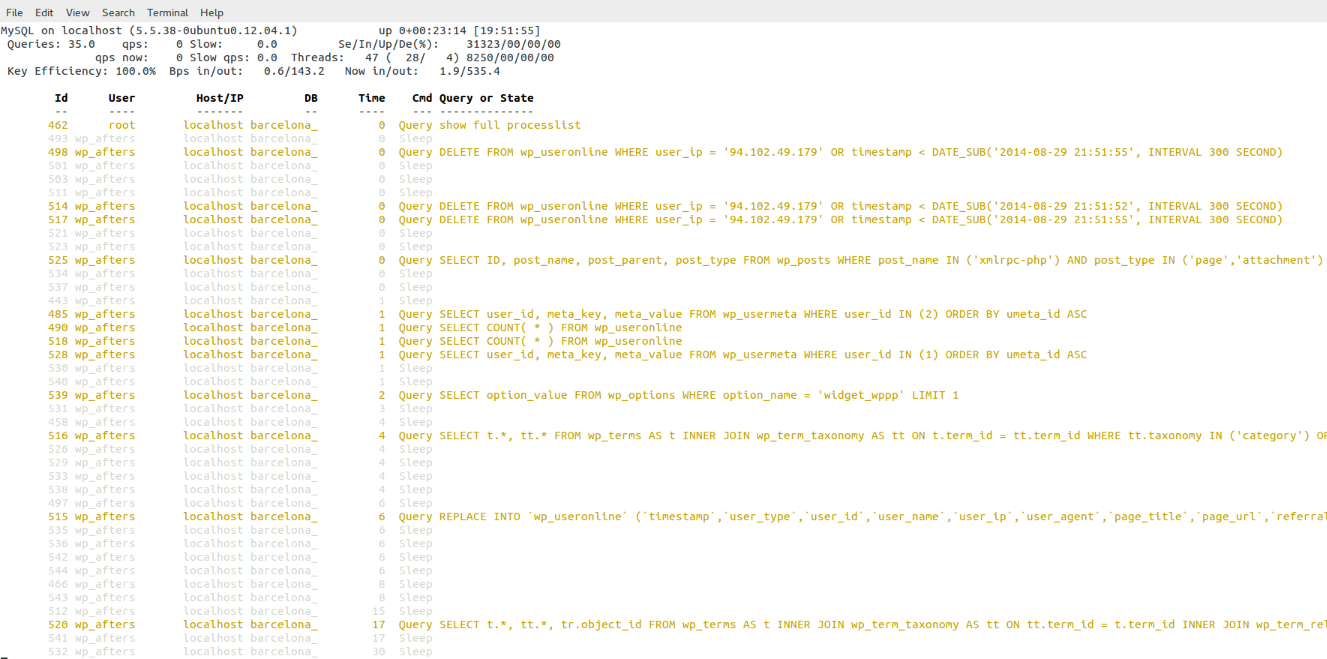 Those queries, in addition to what I’ve seen in the Apache’s error log suggested me that may be the Server was hacked by a WordPress/plugin bug and that now they were trying to hide from the database’s logs. (Specially the DELETE FROM wp_useronline WHERE user_ip = the Ip of the attacker)
[Tue Aug 26 11:47:08 2014] [error] [client 94.102.49.179] Error in WordPress Database Lost connection to MySQL server during query a la consulta SELECT option_value FROM wp_options WHERE option_name = 'uninstall_plugins' LIMIT 1 feta per include('wp-load.php'), require_once('wp-config.php'), require_once('wp-settings.php'), include_once('/plugins/captcha/captcha.php'), register_uninstall_hook, get_option
[Tue Aug 26 11:47:09 2014] [error] [client 94.102.49.179] Error in WordPress Database Lost connection to MySQL server during query a la consulta SELECT option_value FROM wp_options WHERE option_name = 'uninstall_plugins' LIMIT 1 feta per include('wp-load.php'), require_once('wp-config.php'), require_once('wp-settings.php'), include_once('/plugins/captcha/captcha.php'), register_uninstall_hook, get_option
[Tue Aug 26 11:47:10 2014] [error] [client 94.102.49.179] Error in WordPress Database Lost connection to MySQL server during query a la consulta SELECT option_value FROM wp_options WHERE option_name = 'widget_wppp' LIMIT 1 feta per include('wp-load.php'), require_once('wp-config.php'), require_once('wp-settings.php'), do_action('plugins_loaded'), call_user_func_array, wppp_check_upgrade, get_option
The error log was very ugly.
The access log was not reassuring, as it shown many attacks like that:
94.102.49.179 - - [26/Aug/2014:10:34:58 +0000] "POST /xmlrpc.php HTTP/1.0" 200 598 "-" "Mozilla/4.0 (compatible: MSIE 7.0; Windows NT 6.0)"
94.102.49.179 - - [26/Aug/2014:10:34:59 +0000] "POST /xmlrpc.php HTTP/1.0" 200 598 "-" "Mozilla/4.0 (compatible: MSIE 7.0; Windows NT 6.0)"
127.0.0.1 - - [26/Aug/2014:10:35:09 +0000] "OPTIONS * HTTP/1.0" 200 126 "-" "Apache/2.2.22 (Ubuntu) (internal dummy connection)"
94.102.49.179 - - [26/Aug/2014:10:34:59 +0000] "POST /xmlrpc.php HTTP/1.0" 200 598 "-" "Mozilla/4.0 (compatible: MSIE 7.0; Windows NT 6.0)"
94.102.49.179 - - [26/Aug/2014:10:34:59 +0000] "POST /xmlrpc.php HTTP/1.0" 200 598 "-" "Mozilla/4.0 (compatible: MSIE 7.0; Windows NT 6.0)"
94.102.49.179 - - [26/Aug/2014:10:35:00 +0000] "POST /xmlrpc.php HTTP/1.0" 200 598 "-" "Mozilla/4.0 (compatible: MSIE 7.0; Windows NT 6.0)"
94.102.49.179 - - [26/Aug/2014:10:34:59 +0000] "POST /xmlrpc.php HTTP/1.0" 200 598 "-" "Mozilla/4.0 (compatible: MSIE 7.0; Windows NT 6.0)"
Was difficult to determine if the Server was receiving SQL injections so I wanted to be sure.
Note: The connection from 127.0.0.1 with OPTIONS is created by Apache when spawns another Apache.
As I had super fresh backups in another Server I was not afraid of the attack dropping the database.
I was a bit suspicious also because the /readme.html file mentioned that the version of WordPress is 3.6. In other installations it tells correctly that the version is the 3.9.2 and this file is updated with the auto-update. I was thinking about a possible very sophisticated trojan attack able to modify wp-includes/version.php and set fake $wp_version = ‘3.9.2’;
Later I realized that this blog had WordPress in Catalan, my native language, and discovered that the guys that do the translations forgot to update this file (in new installations it comes not updated, and so showing 3.6). I have alerted them.
In fact later I did a diff of all the files of my WordPress installation against the official WordPress 3.9.2-ca and later a did a diff between the WordPress 3.9.2-ca and the WordPress 3.9.2 (English – default), and found no differences. My Server was Ok. But at this point, at the beginning of the investigation I didn’t know that yet.
With the info I had (queries, times, attack, readme telling v. 3.6…) I balanced the possibility to be in front of something and I decided that I had an unique opportunity to discover how they do to inject those Sql, or discover if my Server was compromised and how. The bad point is that it was the same Amazon’s Server where this blog resides, and I wanted the attack to continue so I could get more information, so during two days I was recording logs and doing some investigations, so sorry if you visited my blog and database was down, or the Server was going extremely slow. I needed that info. It was worth it.
First I changed the Apache config so the massive connections impacted a bit less the Server and so I could work on it while the attack was going on.
I informed my group of Senior friends on what’s going on and two SysAdmins gave me some good suggestions on other logs to watch and on how to stop the attack, and later a Developer joined me to look at the logs and pointed possible solutions to stop the attack. But basically all of them suggested on how to block the incoming connections with iptables and to do things like reinstalling WordPress, disabling xmlrpc.php in .htaccess, changing passwords or moving wp-admin/ to another place, but the point is that I wanted to understand exactly what was going on and how.
I checked the logs, certificates, etc… and no one other than me was accessing the Server. I also double-checked the Amazon’s Firewall to be sure that no unnecessary ports were left open. Everything was Ok.
I took a look at the Apache logs for the site and all the attacks were coming from the same Ip:
94.102.49.179
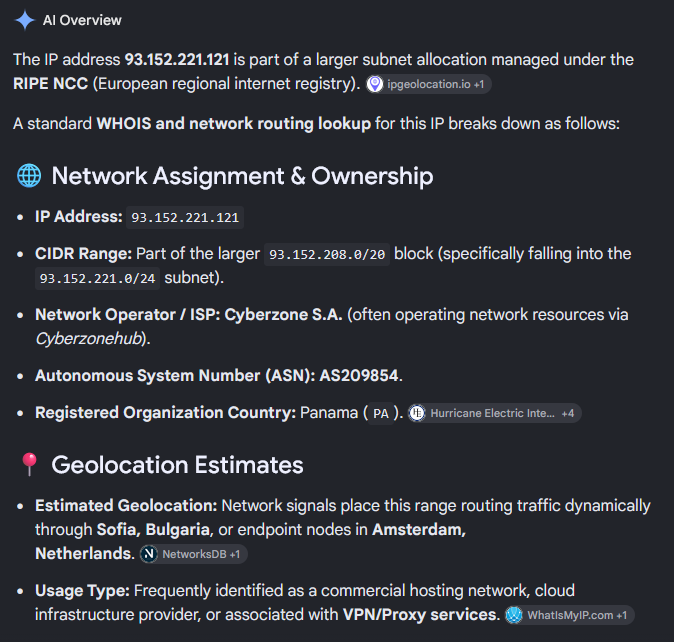
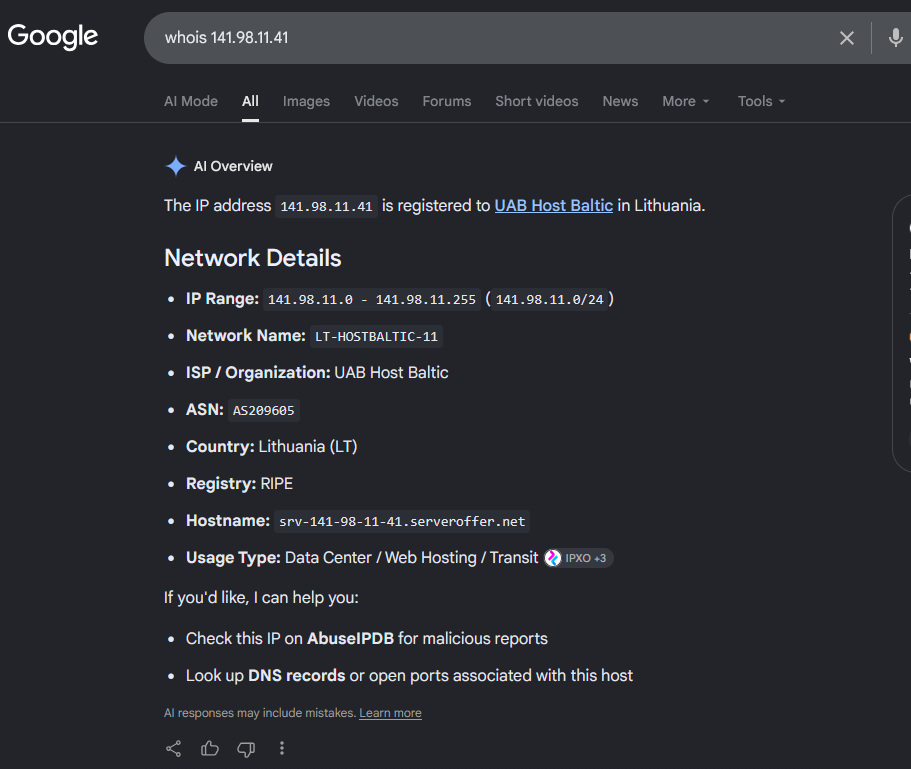
It is an Ip from a dedicated Servers company called ecatel.net. I reported them the abuse to the abuse address indicated in the ripe.net database for the range.
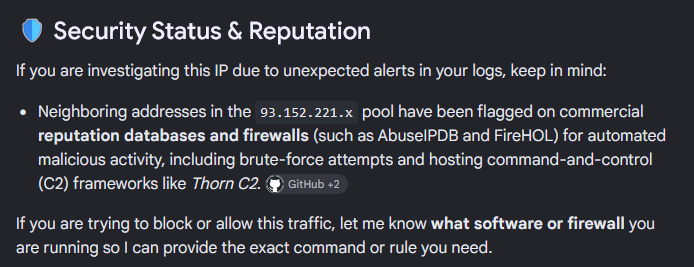
I found that many people have complains about this provider and reports of them ignoring the requests to stop the spam use from their servers, so I decided that after my tests I will block their entire network from being able to access my sites.
All the requests shown in the access.log pointed to requests to /xmlrpc.php. It was the only path requested by the attacker so that Ip did nothing more apparently.
I added some logging to WordPress xmlrpc.php file:
if ($_SERVER['REMOTE_ADDR'] == '94.102.49.179') {
    error_log('XML POST: '.serialize($_POST));
    error_log('XML GET: '.serialize($_GET));
    error_log('XML REQUEST: '.serialize($_REQUEST));
    error_log('XML SERVER: '.serialize($_SERVER));
    error_log('XML FILES: '.serialize($_FILES));
    error_log('XML ENV: '.serialize($_ENV));
    error_log('XML RAW: '.$HTTP_RAW_POST_DATA);
    error_log('XML ALL_HEADERS: '.serialize(getallheaders()));
}
This was the result, it is always the same:
[Fri Aug 29 19:02:54 2014] [error] [client 94.102.49.179] XML POST: a:0:{}
[Fri Aug 29 19:02:54 2014] [error] [client 94.102.49.179] XML GET: a:0:{}
[Fri Aug 29 19:02:54 2014] [error] [client 94.102.49.179] XML REQUEST: a:0:{}
[Fri Aug 29 19:02:54 2014] [error] [client 94.102.49.179] XML SERVER: a:24:{s:9:"HTTP_HOST";s:24:"barcelona.afterstart.com";s:12:"CONTENT_TYPE";s:8:"text/xml";s:14:"CONTENT_LENGTH";s:3:"287";s:15:"HTTP_USER_AGENT";s:50:"Mozilla/4.0 (compatible: MSIE 7.0; Windows NT 6.0)";s:15:"HTTP_CONNECTION";s:5:"close";s:4:"PATH";s:28:"/usr/local/bin:/usr/bin:/bin";s:16:"SERVER_SIGNATURE";s:85:"<address>Apache/2.2.22 (Ubuntu) Server at barcelona.afterstart.com Port 80</address>\n";s:15:"SERVER_SOFTWARE";s:22:"Apache/2.2.22 (Ubuntu)";s:11:"SERVER_NAME";s:24:"barcelona.afterstart.com";s:11:"SERVER_ADDR";s:14:"[this-is-removed]";s:11:"SERVER_PORT";s:2:"80";s:11:"REMOTE_ADDR";s:13:"94.102.49.179";s:13:"DOCUMENT_ROOT";s:29:"/var/www/barcelona.afterstart.com";s:12:"SERVER_ADMIN";s:19:"webmaster@localhost";s:15:"SCRIPT_FILENAME";s:40:"/var/www/barcelona.afterstart.com/xmlrpc.php";s:11:"REMOTE_PORT";s:5:"40225";s:17:"GATEWAY_INTERFACE";s:7:"CGI/1.1";s:15:"SERVER_PROTOCOL";s:8:"HTTP/1.0";s:14:"REQUEST_METHOD";s:4:"POST";s:12:"QUERY_STRING";s:0:"";s:11:"REQUEST_URI";s:11:"/xmlrpc.php";s:11:"SCRIPT_NAME";s:11:"/xmlrpc.php";s:8:"PHP_SELF";s:11:"/xmlrpc.php";s:12:"REQUEST_TIME";i:1409338974;}
[Fri Aug 29 19:02:54 2014] [error] [client 94.102.49.179] XML FILES: a:0:{}
[Fri Aug 29 19:02:54 2014] [error] [client 94.102.49.179] XML ENV: a:0:{}
[Fri Aug 29 19:02:54 2014] [error] [client 94.102.49.179] XML RAW: <?xmlversion="1.0"?><methodCall><methodName>pingback.ping</methodName><params><param><value><string>http://seretil.me/</string></value></param><param><value><string>http://barcelona.afterstart.com/2013/09/27/afterstart-barcelona-2013-09-26/</string></value></param></params></methodCall>
[Fri Aug 29 19:02:54 2014] [error] [client 94.102.49.179] XML ALL_HEADERS: a:5:{s:4:"Host";s:24:"barcelona.afterstart.com";s:12:"Content-type";s:8:"text/xml";s:14:"Content-length";s:3:"287";s:10:"User-agent";s:50:"Mozilla/4.0 (compatible: MSIE 7.0; Windows NT 6.0)";s:10:"Connection";s:5:"close";}
So nothing in $_POST, nothing in $_GET, nothing in $_REQUEST, nothing in $_SERVER, no files submitted, but a text/xml Posted (that was logged by storing: $HTTP_RAW_POST_DATA):
<?xmlversion="1.0"?><methodCall><methodName>pingback.ping</methodName><params><param><value><string>http://seretil.me/</string></value></param><param><value><string>http://barcelona.afterstart.com/2013/09/27/afterstart-barcelona-2013-09-26/</string></value></param></params></methodCall>
I show you in a nicer formatted aspect: So basically they were trying to register a link to seretil dot me.
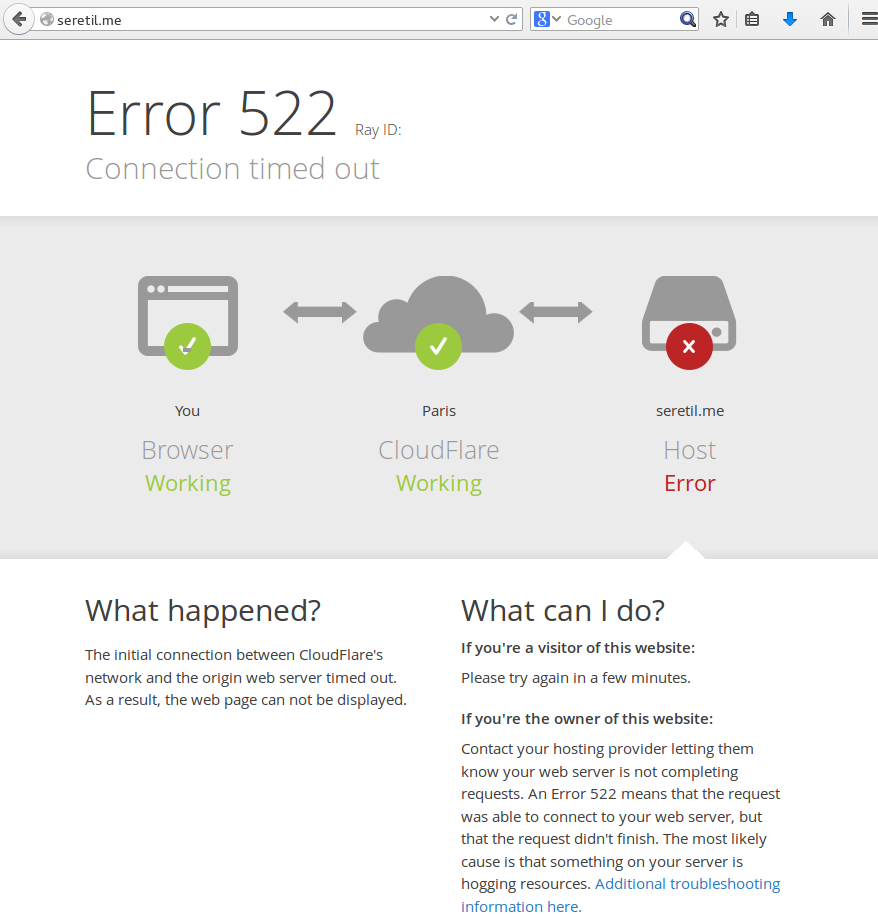
I tried and this page, hosted in CloudFare, is not working.
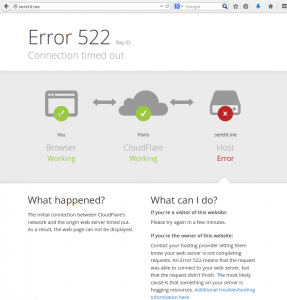
The problem is that responding to this spam xmlrpc request took around 16 seconds to the Server. And I was receiving several each second.
I granted access to my Ip only on the port 80 in the Firewall, restarted Apache, restarted MySql and submitted the same malicious request to the Server, and it even took 16 seconds in all my tests:
cat http_post.txt | nc barcelona.afterstart.com 80
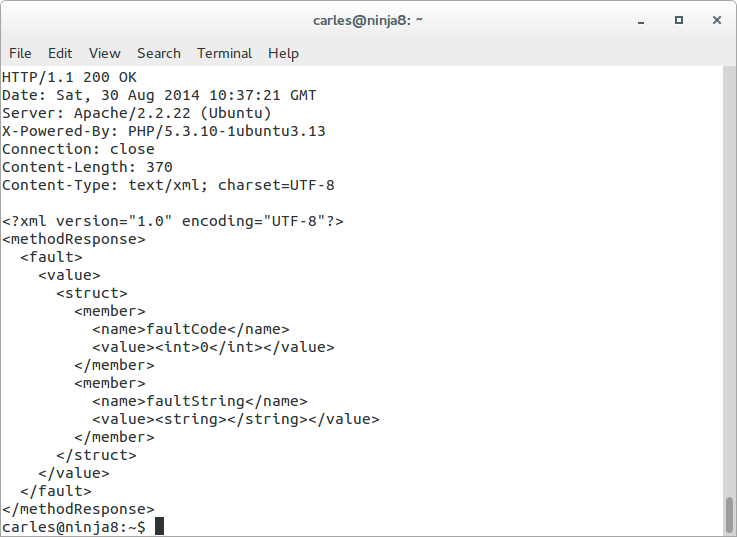 I checked and confirmed that the logs from the attacker were showing the same Content-Length and http code.
Other guys tried xml request as well but did one time or two and leaved.
The problem was that this robot was, and still sending many requests per second for days.
May be the idea was to knock down my Server, but I doubted it as the address selected is the blog of one Social Event for Senior Internet Talents that I organize: afterstart.com. It has not special interest, I do not see a political, hateful or other motivation to attack the blog from this project.
Ok, at this point it was clear that the Ip address was a robot, probably running from an infected or hacked Server, and was trying to publish a Spam link to a site (that was down). I had to clarify those strange queries in the logs.
I reviewed the WPUsersOnline plugin and I saw that the strange queries (and inefficient) that I saw belonged to WPUsersOnline plugin.
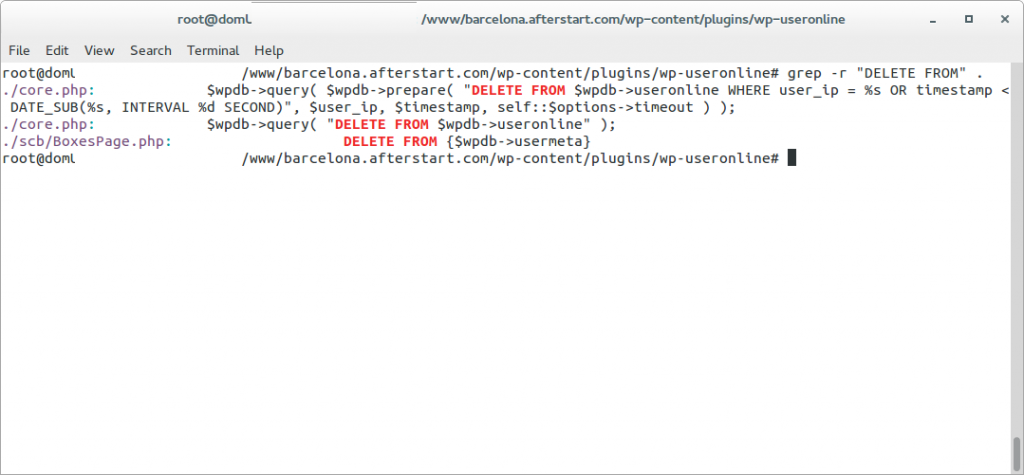
The thing was that when I renamed the xmlrpc.php the spamrobot was still posting to that file. According to WordPress .htaccess file any file that is not found on the filesystem is redirected to index.php.
So what was happening is that all the massive requests sent to xmlrpc.php were being attended by index.php, then showing an error message that page not found, but the WPUsersOnline plugin was deleting those connections. And was doing it many times, overloading also the Database.
Also I was able to reproduce the behaviour by myself, isolating by firewalling the WebServer from other Ips other than mine and doing the same post by myself many times per second.
I checked against a friend’s blog but in his Server xmlrpc.php responds in 1,5 seconds. My friend’s Server is a Digital Ocean Virtual Server with 2 cores and SSD Disks. My magnetic disks on Amazon only bring around 40 MB/second. I’ve to check in detail why my friend’s Server responds so much faster.
Checked the integrity of my databases, just in case, and were perfect. Nothing estrange with collations and the only errors in the /var/log/mysql/error.log was due to MySql crashing when the Server ran out of memory.
Rechecked in my Server, now it takes 12 seconds.
I disabled 80% of the plugins but the times were the same. The Statistics show how the things changed -see the spikes before I definitively patched the Server to block request from that Spam-robot ip, to the left-.
I checked against another WordPress that I have in the same Server and it only takes 1,5 seconds to reply. So I decided to continue investigating why this WordPress took so long to reply.
As I said before I checked that the files from my WordPress installation were the same as the original distribution, and they were. Having discarded different files the thing had to be in the database.
Even when I checked the MySql it told me that all the tables were OK, having seen that the WPUserOnline deletes all the registers older than 5 minutes, I guessed that this could lead to fragmentation, so I decided to do OPTIMIZE TABLE on all the tables of the database for the WordPress failing, with InnoDb it is basically recreating the Tables and the Indexes.
I tried then the call via RPC and my Server replied in three seconds. Much better.
Looking with htop, when I call the xmlrpc.php the CPU uses between 50% and 100%.
I checked the logs and the robot was gone. He leaved or the provider finally blocked the Server. I don’t know.
Everything became clear, it was nothing more than a sort of coincidences together. Deactivating the plugin the DELETE queries disappeared, even under heavy load of the Server.
It only was remain to clarify why when I send a call to xmlrpc to this blog, it replies in 1,5 seconds, and when I request to the Barcelona.afterstart.com it takes 3 seconds.
I activated the log of queries in mysql. To do that edit /etc/mysql/my.cnf and uncomment:
general_log_file        = /var/log/mysql/mysql.log
general_log             = 1
Then I checked the queries, and in the case of my blog it performs many less queries, as I was requesting to pingback to an url that was not existing, and WordPress does this query:
SELECT wp_posts.* FROM wp_posts WHERE 1=1 AND ( ( YEAR( post_date ) = 2013 AND MONTH( post_date ) = 9 AND DAYOFMONTH( post_date ) = 27 ) ) AND wp_posts.post_name = 'afterstart-barcelona-2013-09-26-meet' AND wp_posts.post_type = 'post' ORDER BY wp_posts.post_date DESC
As the url afterstart-barcelona-2013-09-26-meet with the dates indicated does not exist in my other blog, the execution ends there and does not perform the rest of the queries, that in the case of Afterstart blog were:
40 Query     SELECT post_id, meta_key, meta_value FROM wp_postmeta WHERE post_id IN (81) ORDER BY meta_id ASC
40 Query     SELECT ID, post_name, post_parent, post_type
FROM wp_posts
WHERE post_name IN ('http%3a','','seretil-me')
AND post_type IN ('page','attachment')
40 Query     SELECT   wp_posts.* FROM wp_posts  WHERE 1=1  AND (wp_posts.ID = '0') AND wp_posts.post_type = 'page'  ORDER BY wp_posts.post_date DESC
40 Query     SELECT * FROM wp_comments WHERE comment_post_ID = 81 AND comment_author_url = 'http://seretil.me/'
To confirm my theory I tried the request to my blog, with a valid url, and it lasted for 3-4 seconds, the same than Afterstart’s blog. Finally I double-checked with the blog of my friend and was slower than before. I got between 1,5 and 6 seconds, with a lot of 2 seconds response. (he has PHP 5.5 and OpCache that improves a bit, but the problem is in the queries to the database)
Honestly, the guys creating WordPress should cache this queries instead of performing 20 live queries, that are always the same, before returning the error message. Using Cache Lite or Stash, or creating an InMemory table for using as Cache, or of course allowing the use of Memcached would eradicate the DoS component of this kind of attacks. As the xmlrpc pingback feature hits the database with a lot of queries to end not allowing the publishing.
While I was finishing those tests (remember that the attacker ip has gone) another attacker from the same network tried, but I had patched the Server to ignore it:
94.102.52.157 - - [31/Aug/2014:02:06:16 +0000] "POST /xmlrpc.php HTTP/1.0" 200 189 "-" "Mozilla/4.0 (compatible: MSIE 7.0; Windows NT 6.0)"
This was trying to get a link published to a domain called socksland dot net that is a domain registered in Russia and which page is not working.
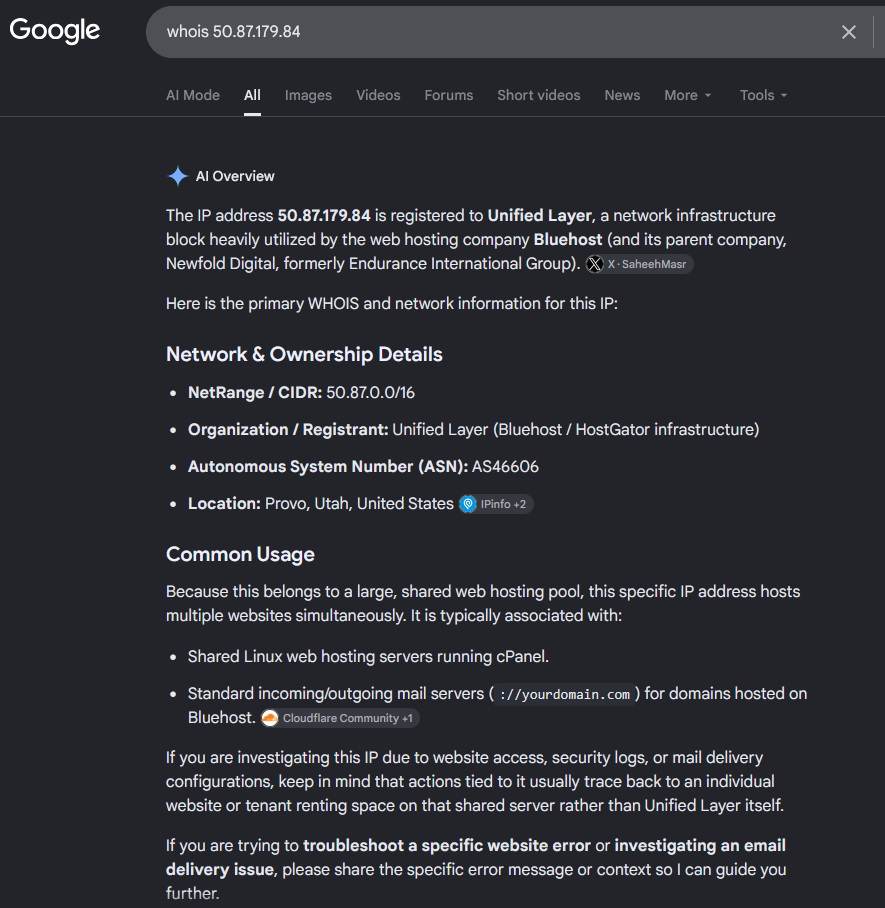
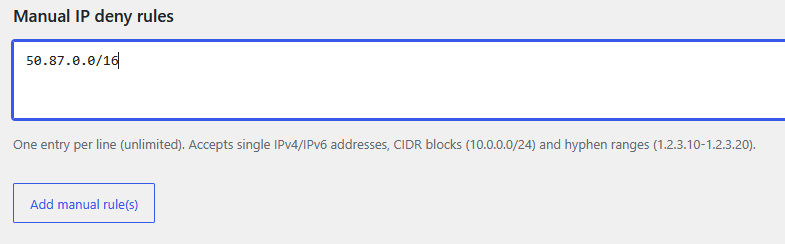
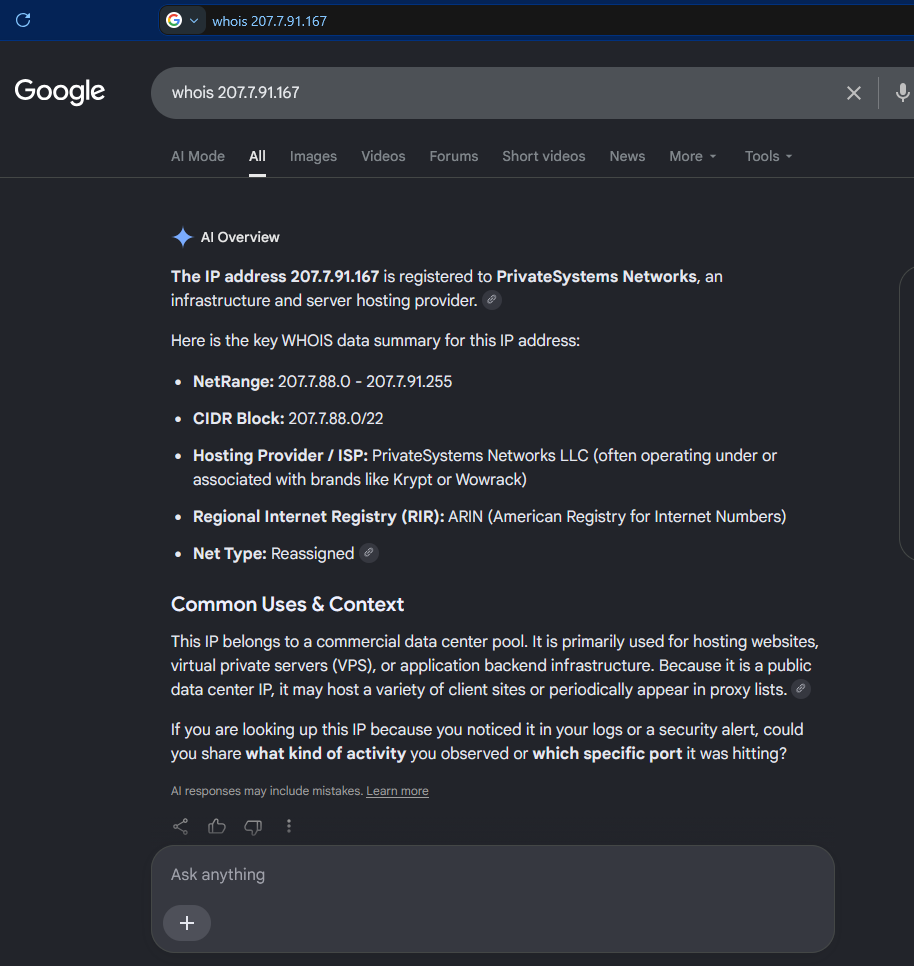
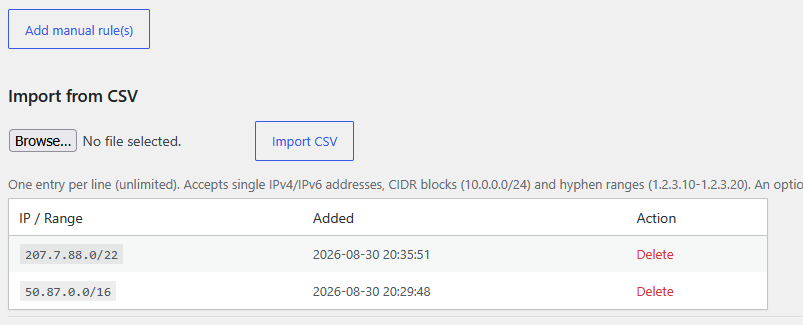
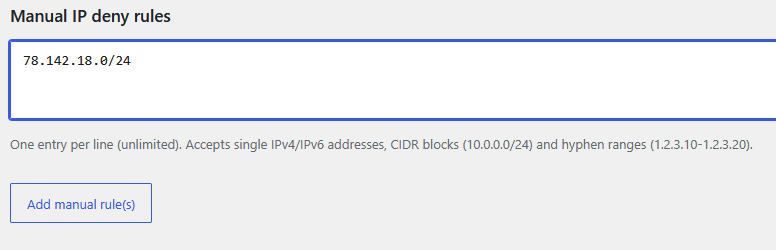
As I had all the information I wanted I finally blocked the network from the provider to access my Server ever again.
Unfortunatelly Amazon’s Firewall does not allow to block a certain Ip or range.
So you can block at Iptables level or in .htaccess file or in the code.
I do not recommend blocking at code level because sadly WordPress has many files accessible from outside so you would have to add your code at the beginning of all the files and because when there is a WordPress version update you’ll loss all your customizations.
But I recommend proceeding to patch your code to avoid certain Ip’s if you use a CDN. As the POST will be sent directly to your Server, and the Ip’s are Ip’s from the CDN -and you can’t block them-. You have to look at the Header: X-Forwarded-For that indicates the Ip’s the proxies have passed by, and also the Client’s Ip.
I designed a program that is able to patch any PHP project to check for blacklisted Ip’s (even though a proxy) with minimal performance impact. It works with WordPress, drupal, joomla, ezpublish and Framework like Zend, Symfony, Catalonia… and I patched my code to block those unwanted robot’s requests.
A solution that will work for you probably is to disable the pingback functionality, there are several plugins that do that. Disabling completely xmlrpc is not recommended as WordPress uses it for several things (JetPack, mobile, validation…)
The same effect as adding the plugin that disables the xmlrpc pingback can be achieved by editing the functions.php from your Theme and adding:
add_filter( 'xmlrpc_methods', 'remove_xmlrpc_pingback_ping' );
function remove_xmlrpc_pingback_ping( $methods ) {
    unset( $methods['pingback.ping'] );

    return $methods;
}
Update: 2016-02-24 14:40 CEST
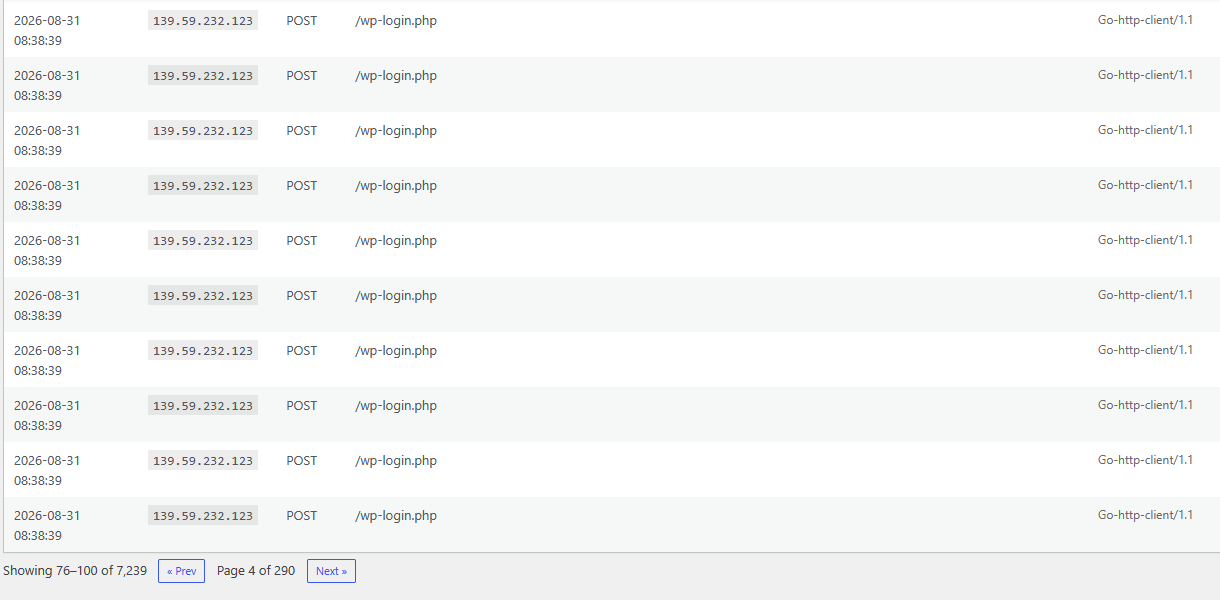
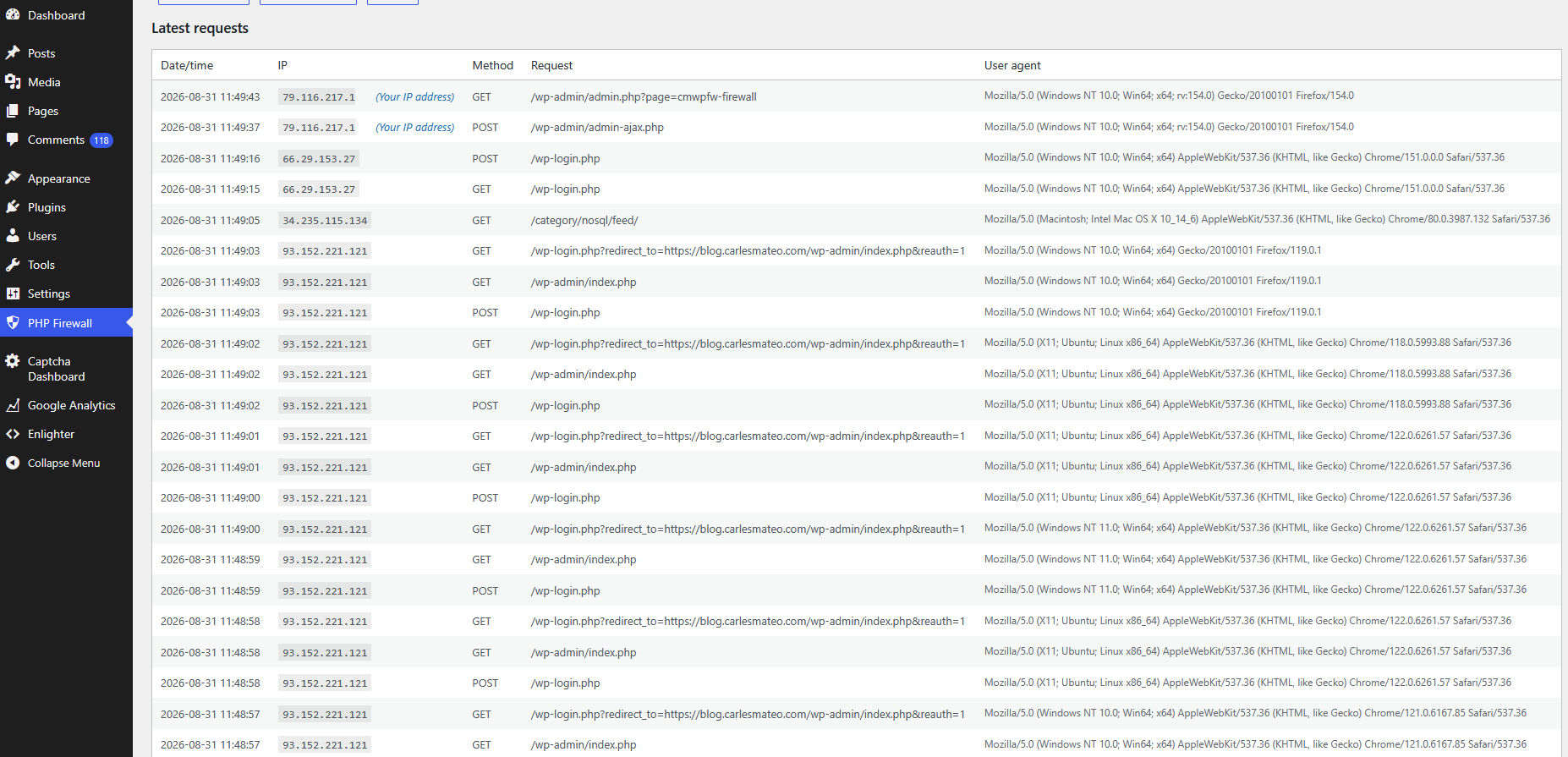
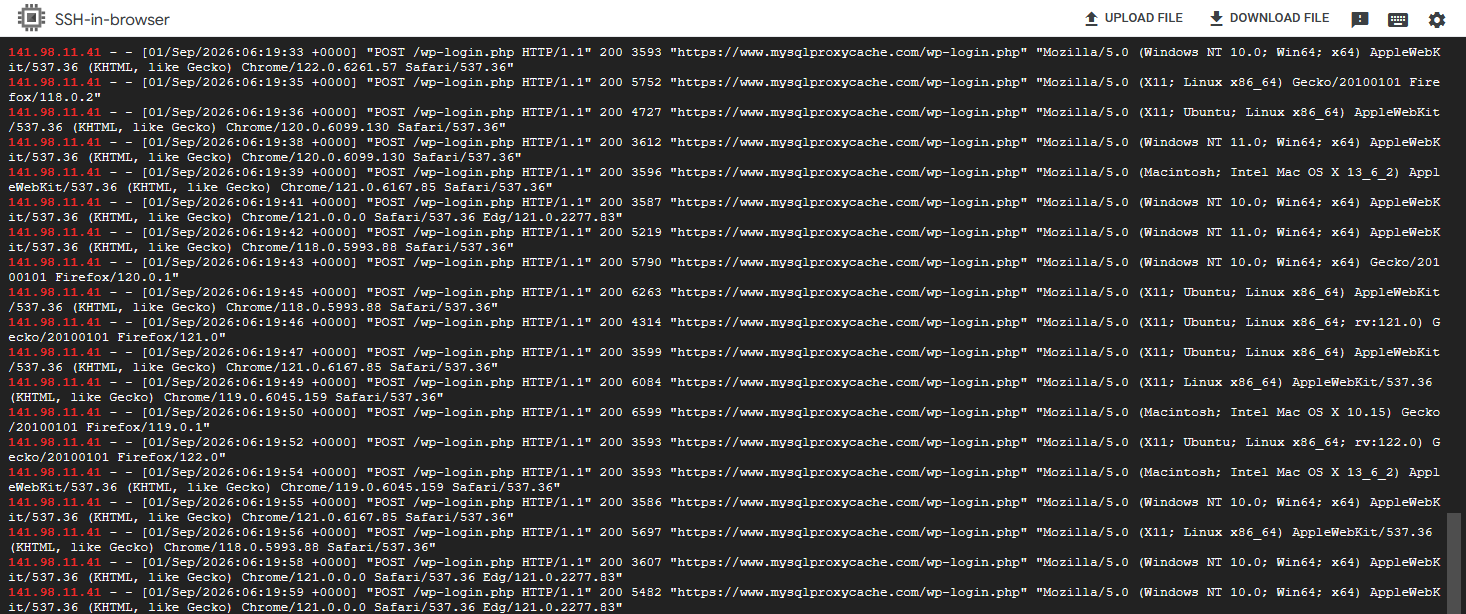
I got also a heavy dictionary attack against wp-login.php .Despite having a Captcha plugin, that makes it hard to hack, it was generating some load on the system.
What I did was to rename the wp-login.php to another name, like wp-login-carles.php and in wp-login.php having a simply exit();
<?php
exit();
Take in count that this will work only until WordPress is updated to the next version. Then you have to reapply the renaming trick.
Update: 2026-09-09 12:37 CEST
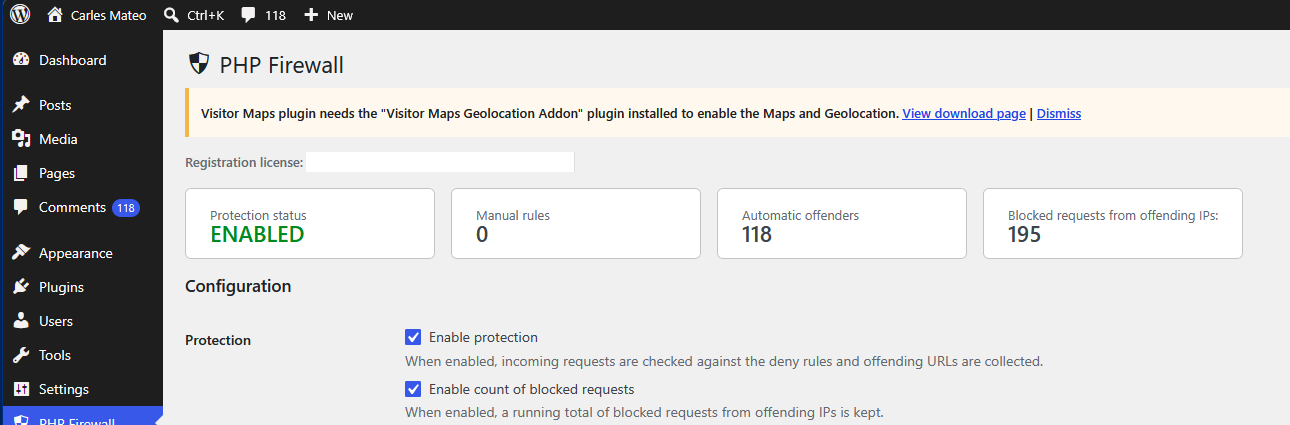
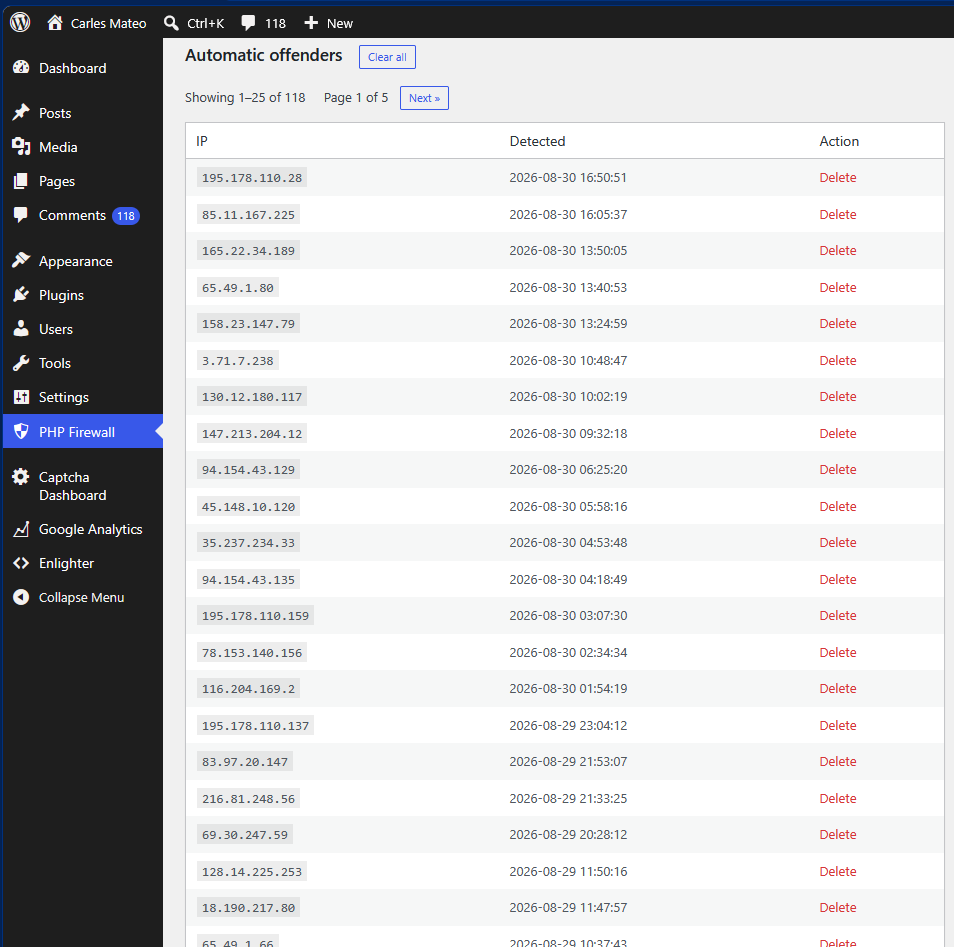
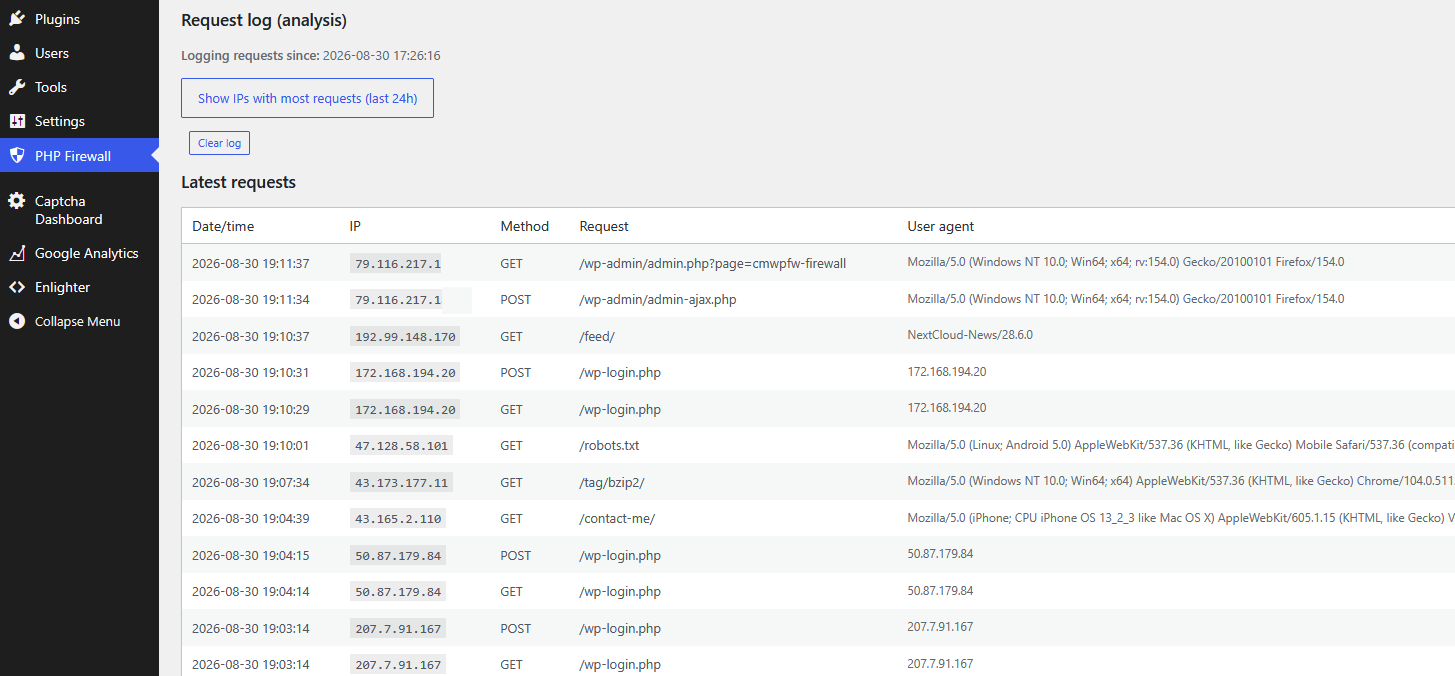
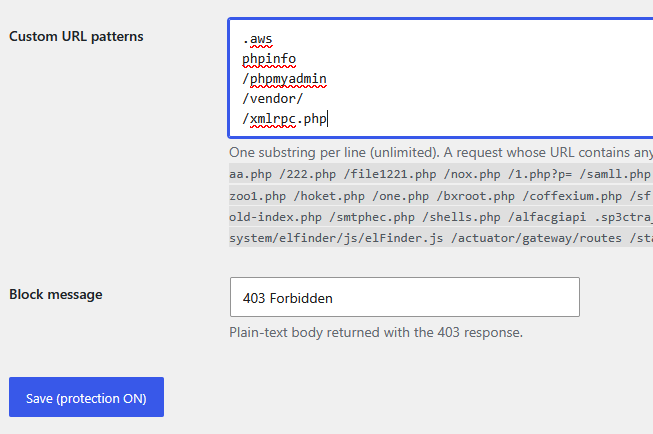
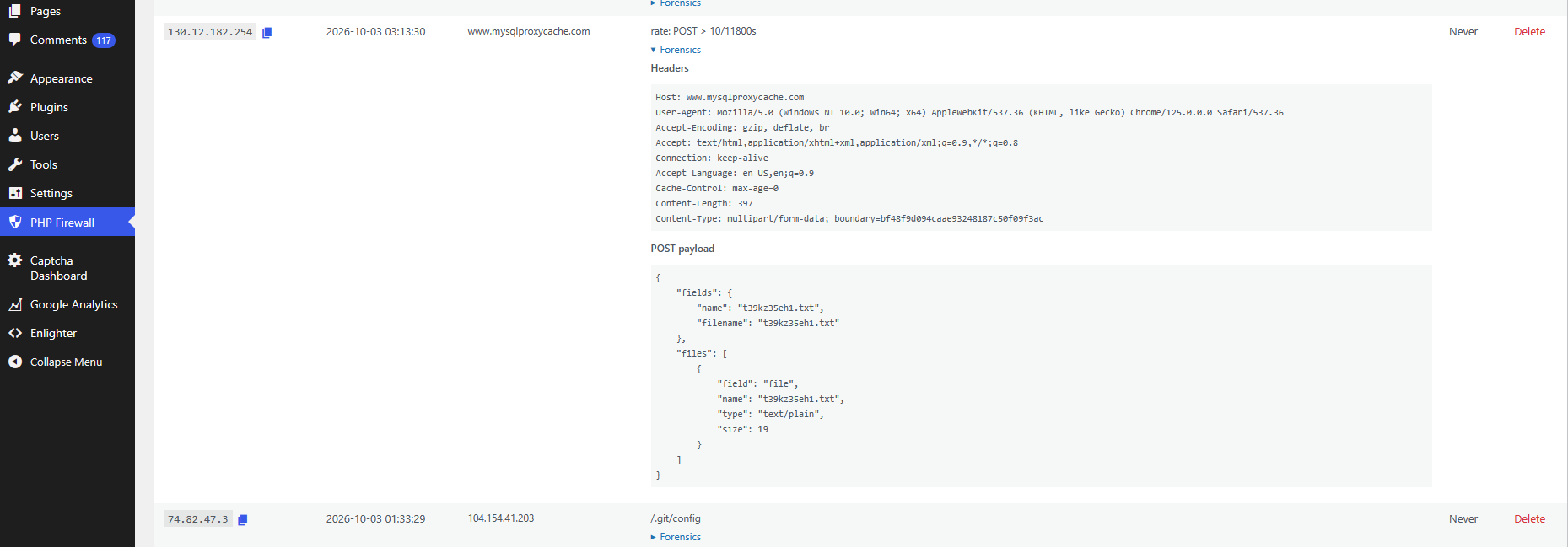
I created a commercial plugin for WordPress, modules for Drupal and PrestaShop named PHP Firewall that protects the sites against xmlrpc attacks, and many others, automatically and easily.