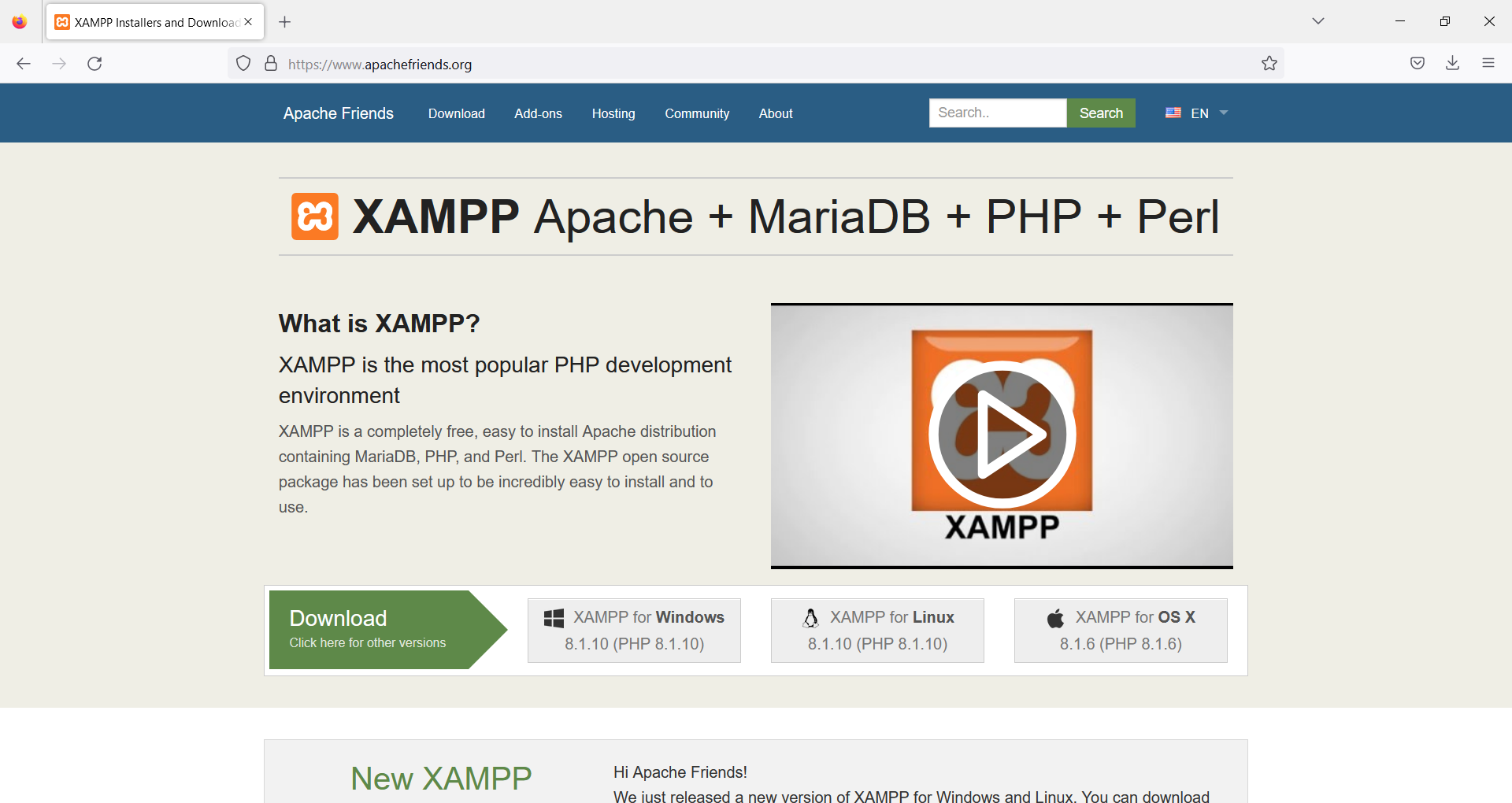
I install Claude Code for the very first time, I use a voucher provided from a friend to use it 7 days for free with the USD $18 / month, although there is a Free Subscription you can use.
I donwload and install it on Windows 11 and I start to used it immediately with an incipient Symfony PHP Docker nginx Linux project.
I show you how I combine it with PHPStorm, how I use the Working Tree and the Pull Request (PR) and the problems I find when I request functionalities.
This video shows real example of my workflow, in real time, on how I programmed with Google Antigravity some new features, like adding discount coupons, for my commercial web project for quickly audio conversion https://audioconverter.carlesmateo.com/
I show some problems when working with Gemini 3 Flash, and how I instructed the IA to fix them.
I created this little video to show how to use the Web Developer Tools to check if jQuery AJAX request is being made.
This is to help beginners in their journey learning to program Front End.
Please be aware that the page I used makes their own calls for marketing purposes. I cleared several times the history to show what is the real AJAX request we are doing.
Note: The recording program did not capture correctly the mouse position and this video has no sound.
Normally you can try your HTML and JavaScript from your browser, opening the HTML file. However there are Security restrictions when it applies to AJAX requests or trying to access a local file from the browser.
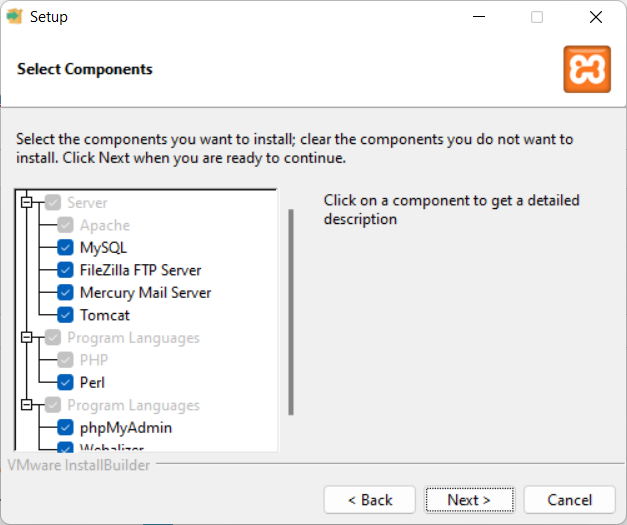
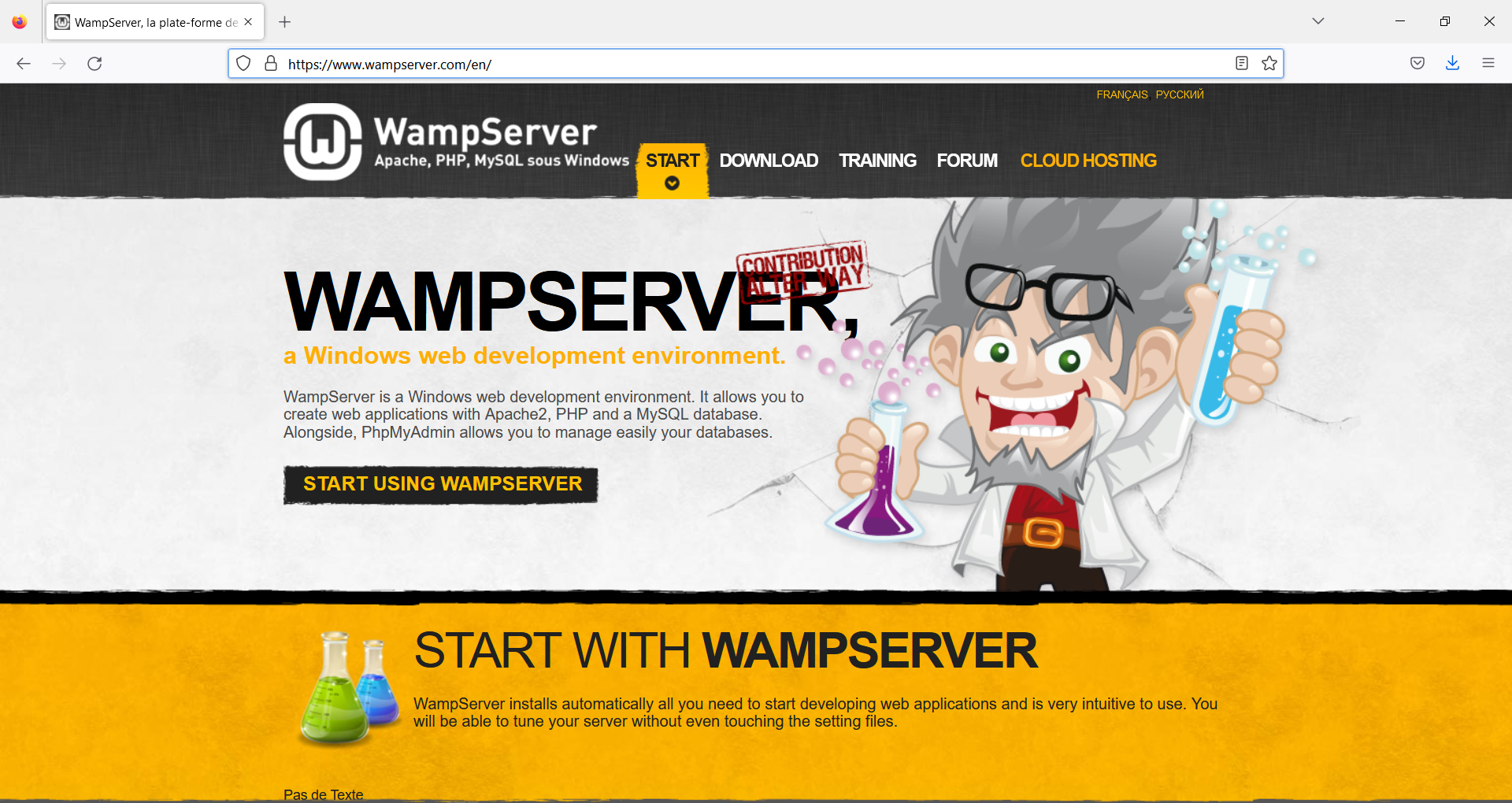
You’ll need to run your JavaScript from an HTML page server from a Web Server. You can install apache if you use Linux, or WAMP if you use Windows or MAMP (Mac Apache MySQL PHP) if you use Mac or if you know how to you can create a Docker Container.
When you’re programming and your code does not trigger, pay attention to errors:
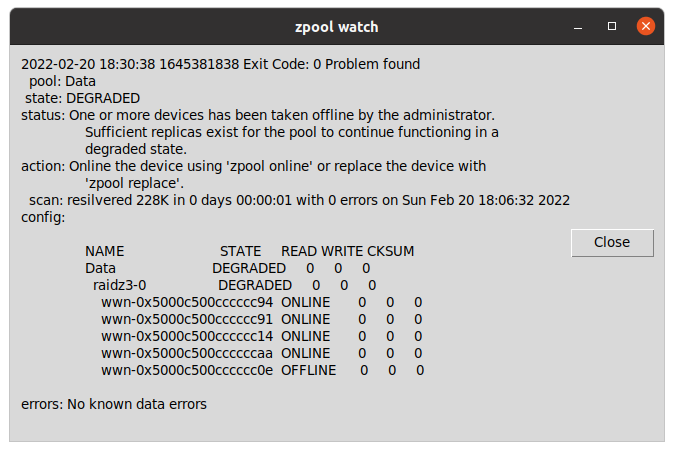
zpool watch is a small Python program for Linux workstations with graphical environment and ZFS, that checks every 30 seconds if your OpenZFS pools are Ok.
If a pool is not healthy, it displays a message in a window using tk inter.
Basically allows you to skip checking from the terminal zpool status continuously or to having to customize the ZED service to send an email and having to figure out how to it can spawn a window alert to the graphical system or what to do if the session has not been initiated.
carleslibs
Since last News from the Blog I’ve released carleslibs v.1.06, v.1.0.5 and v.1.0.4.
v.1.0.6 adds a new class OsUtils to deal with mostly-Linux Os tasks, like knowing the userid, the username, if it’s root, the distribution name and kernel version.
It also adds:
DatetimeUtils.sleep(i_seconds)
In v.1.0.5 I’ve included a new method for getting the Datetime in Unix Epoc format as Integer and increased Code Coverage to 95% for ScreenUtils class.
v. 1.0.4 contains a minor update, a method in StringUtils to escape html from a string.
It uses the library html (part of Python core) so it was small work to do for me to create this method, and the Unit Test for it, but I wanted to use carleslibs in more projects and adding it as core functionality, makes the code of these projects I’m working on, much more clear.
Minor refactors and adding more Code Coverage (Unit Testing), and protection in the code for division per zero when seconds passed as int are 0. (this was not an actual error, but is worth protecting the code just in case for the future)
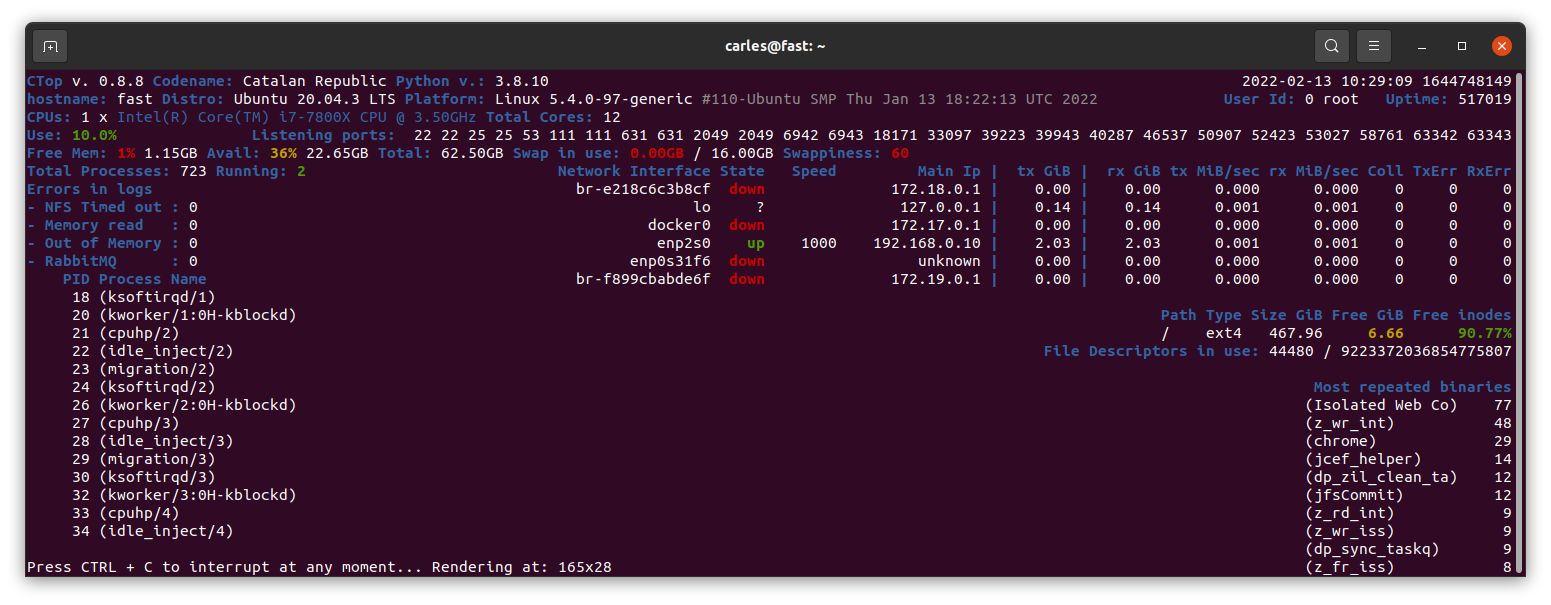
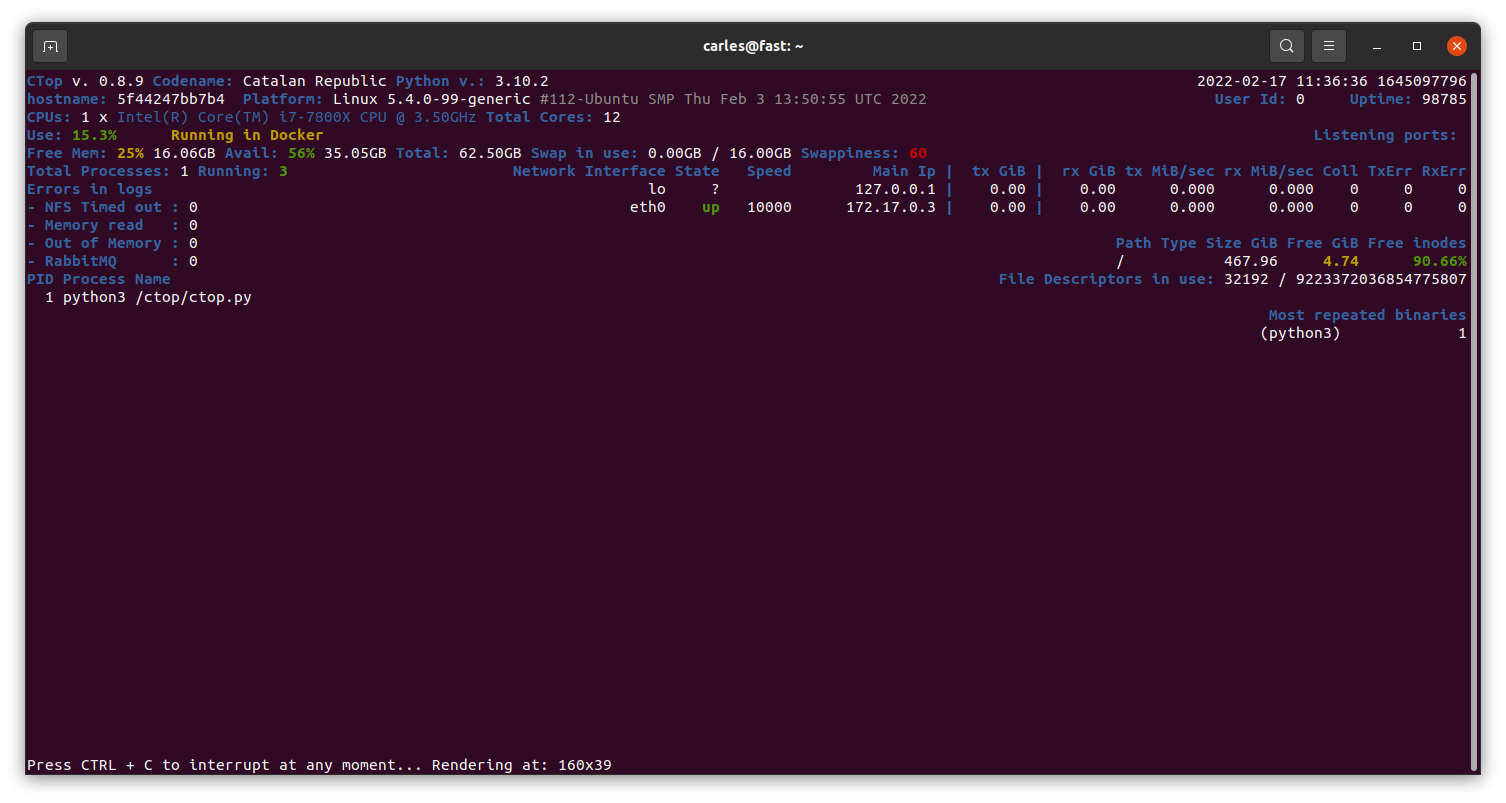
Currently in Master there is a stable version of 0.8.9 mainly fixing https://gitlab.com/carles.mateo/ctop/-/issues/51 which was not detecting when CTOP was running inside a Docker Container (reporting Unable to decode DMI).
My Books
Docker Combat Guide
Added 20 new pages with some tricks, like clearing the logs (1.6GB in my workstation), using some cool tools, using bind mounts and using Docker in Windows from command line without activating Docker Desktop or WSL.
One of my SATA 2TB 2.5″ 5,400 rpm drive got damaged and so was generating errors, so that was a fantastic opportunity to show how to detect and deal with the situation to replace it with a new SATA 2TB 3.5″ 7,200 rpm and fix the pool.
The company sent me the Stein, which is sent to the employees that serve for two years, with a recognition and a celebration called “The Circle of Honor”.
Books purchased
I bought this book as often I discover new ways, better, to explain the things to my students.
Sometimes I buy books for beginners, as I can get explained what I want to do super fast and some times they teach nice tricks that I didn’t know. I have huge Django books, and it took a lot to finish them.
A simpler book may only talk about how to install and work with it under a platform (Windows or Mac, as instance) but it is all that I require as the command to create projects are the same cross platform.
For example, you can get to install and to create a simple project with ORM, connected to the database, very quickly.
Software
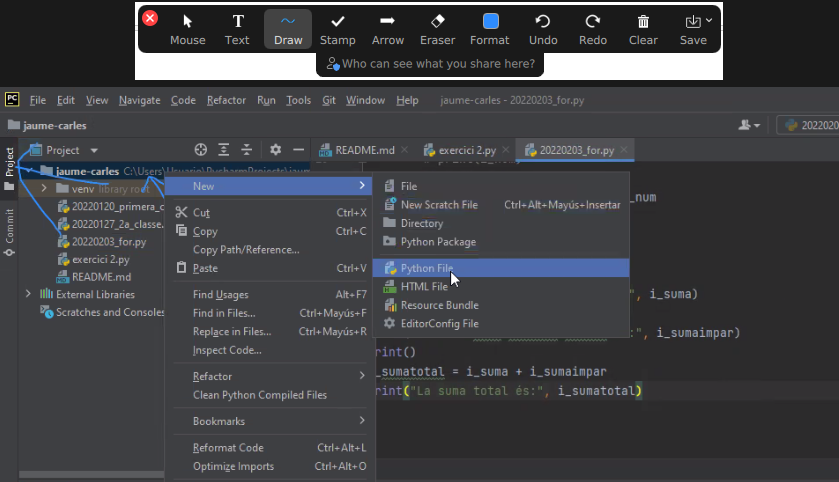
So I just discovered that Zoom has an option to draw in the shared screen, like Slack has. It is called Annotate. It is super useful for my classes. :)
Also discovered the icons in the Chat. It seems that not all the video calls accept it.
Hardware
As Working From Home I needed an scanner, I looked in Amazon and all of them were costing more than €200.
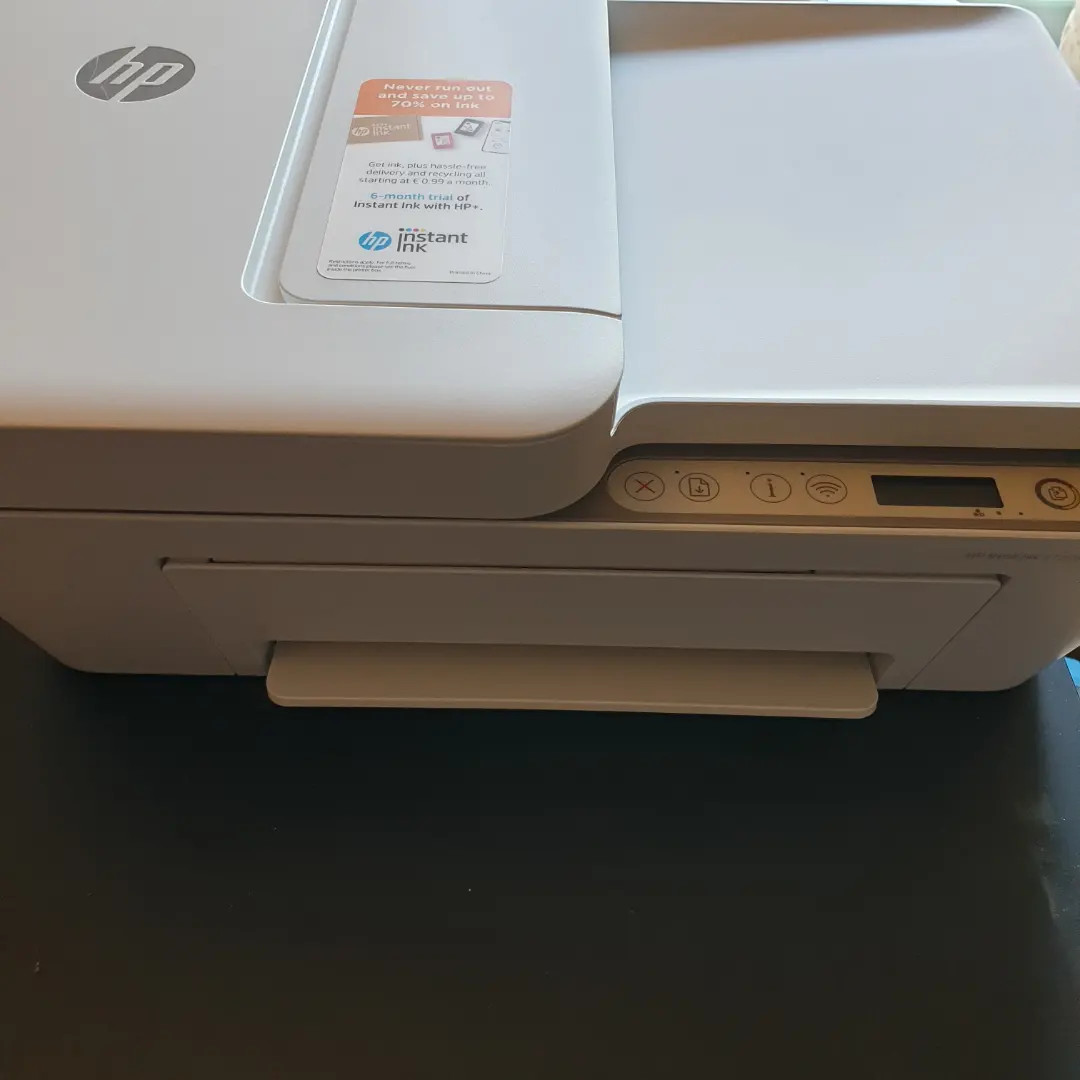
I changed my strategy and I bought a All-In-One from HP, which costed me €68.
So I’ll have a scanner and a backup printer, which always comes handy.
The nightmare started after I tried to connect it with Ubuntu.
Ubuntu was not recognizing it. Checking the manuals they force to configure the printer from an Android/iPhone app or from their web page, my understanding is for windows only. In any case I would not install the proprietary drivers in my Linux system.
Annoyed, I installed the Android application, and it was requesting to get Location permissions to configure it. No way. There was not possible to configure the printer without giving GPS/Location permissions to the app, so I cancelled the process.
I grabbed a Windows 10 laptop and plugged the All-in-one through the USB. I ran the wizard to search for Scanners and Printers and was not unable to use my scanner, only to configure as a printer, so I was forced to install HP drivers.
Irritated I did, and they were suggesting to configure the printer so I can print from Internet or from the phone. Thanks HP, you’ll be the next SolarWinds big-security-hole. I said no way, and in order to use the Wifi I have to agree to open that security door which is that the printer would be connected to Internet permanently, sending and receiving information. I said no, I’ll use only via USB.
Even selecting that, in order to scan, the Software forces me to create an account.
Disappointing. HP is doing very big stupid mistakes. They used to be a good company.
Since they stopped doing the drivers in Barcelona years ago, their Software and solutions (not the hardware) went to hell.
I checked the reviews in the App Store and so many people gave them 1 star and have problems… what a shame the way they created this solution.
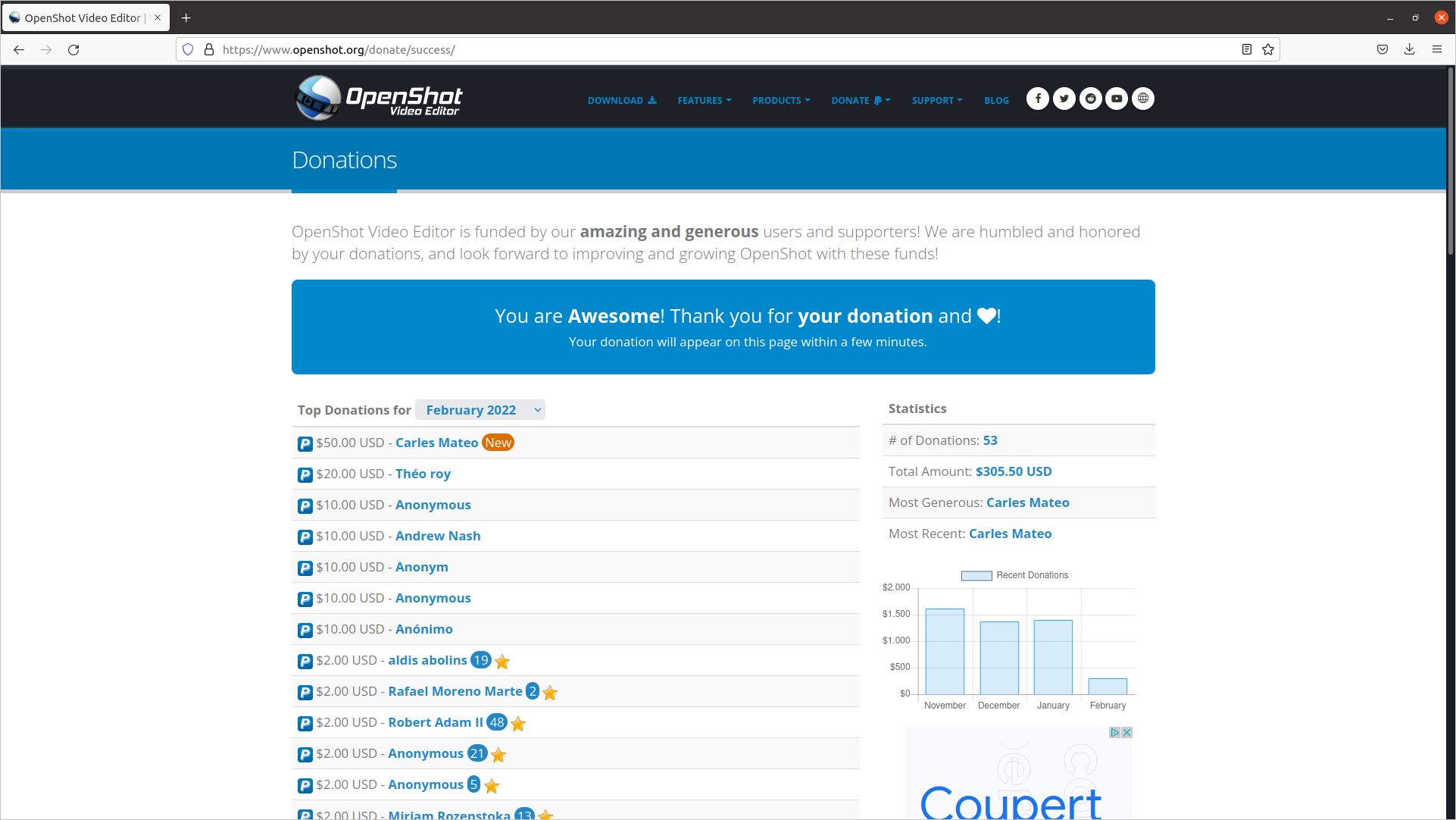
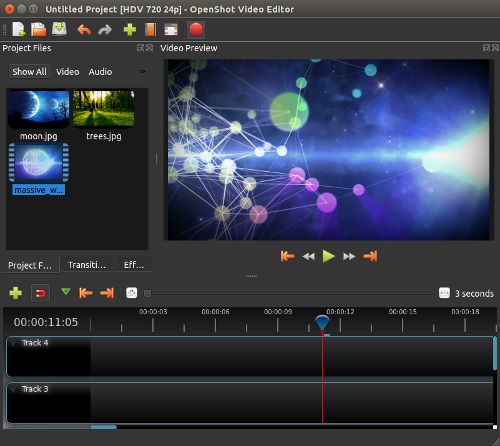
This is a great Open Source, multi-platform editor, so I wanted to support the creator.
Security
Attacks: looking for exploits
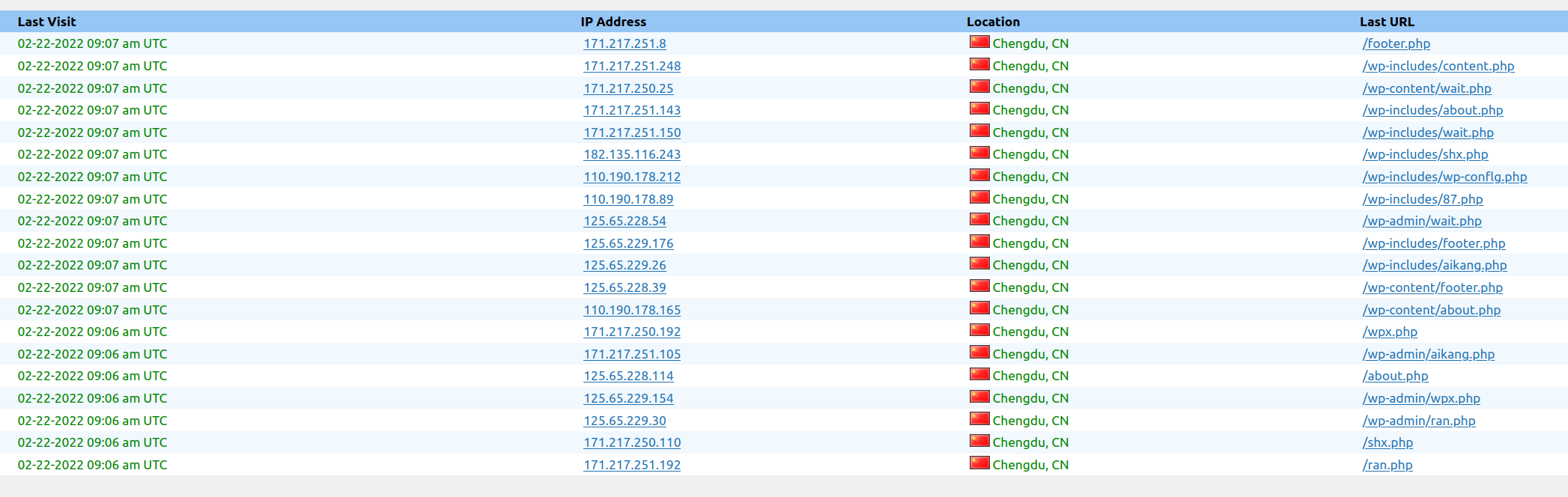
This is just a sample of a set of attacks to the blog in a 3 minutes interval.
Another one this morning:
Now all are blocked in the Firewall.
This is a non stop practice from spammers and pirates that has been going on for years.
It was almost three decades ago, when I was the Linux responsible of an ISP, and I was installing a brand new Linux system connected to a service called “infovia”, at the time when Internet was used with dial-up and modems, and in the interval of time of the installation, it got hacked. I had the Ethernet connected. So then already, this was happening.
The morning I was writing this, I blocked thousands of offending Ip Addresses.
Protection solutions
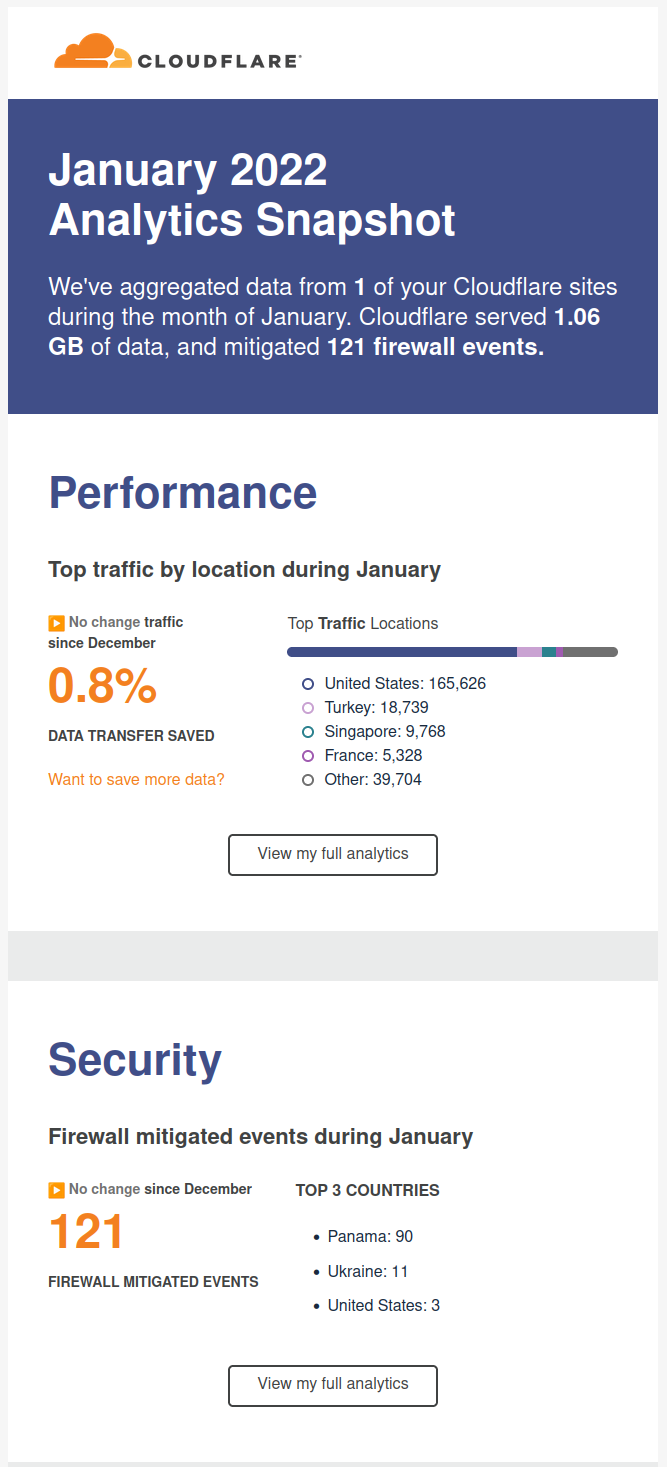
I recommend you to use CloudFlare, is a CDN/Cache/Accelerator with DoS protection and even in its Free version is really useful.
Fun/Games
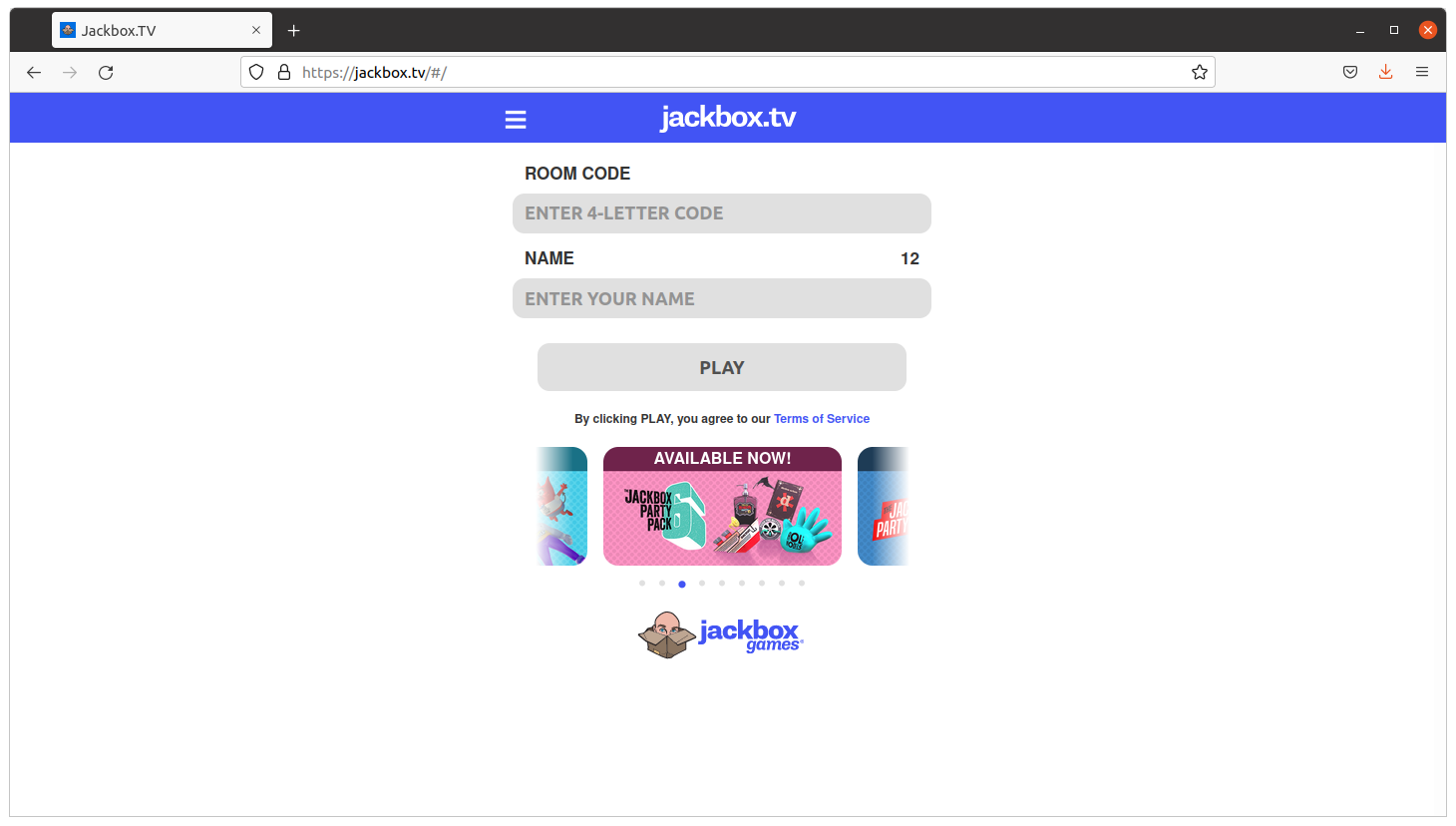
So I come with a game kind of Quiz that you can play with your friends, family or work colleagues working from home (WFH).
The idea is that the master shares screen and sound in Zoom, and then the rest connect to jackbox.tv and enter the code displayed on the master’s screen on their own browser, and an interactive game is started.
It is recommended that the master has two monitors so they can also play.
The games are so fun as a phrase appearing and people having to complete with a lie. If your friends vote your phrase, believing is true, you get points. If you vote the true answer, you get points too.
Very funny and recommendable.
Stuff
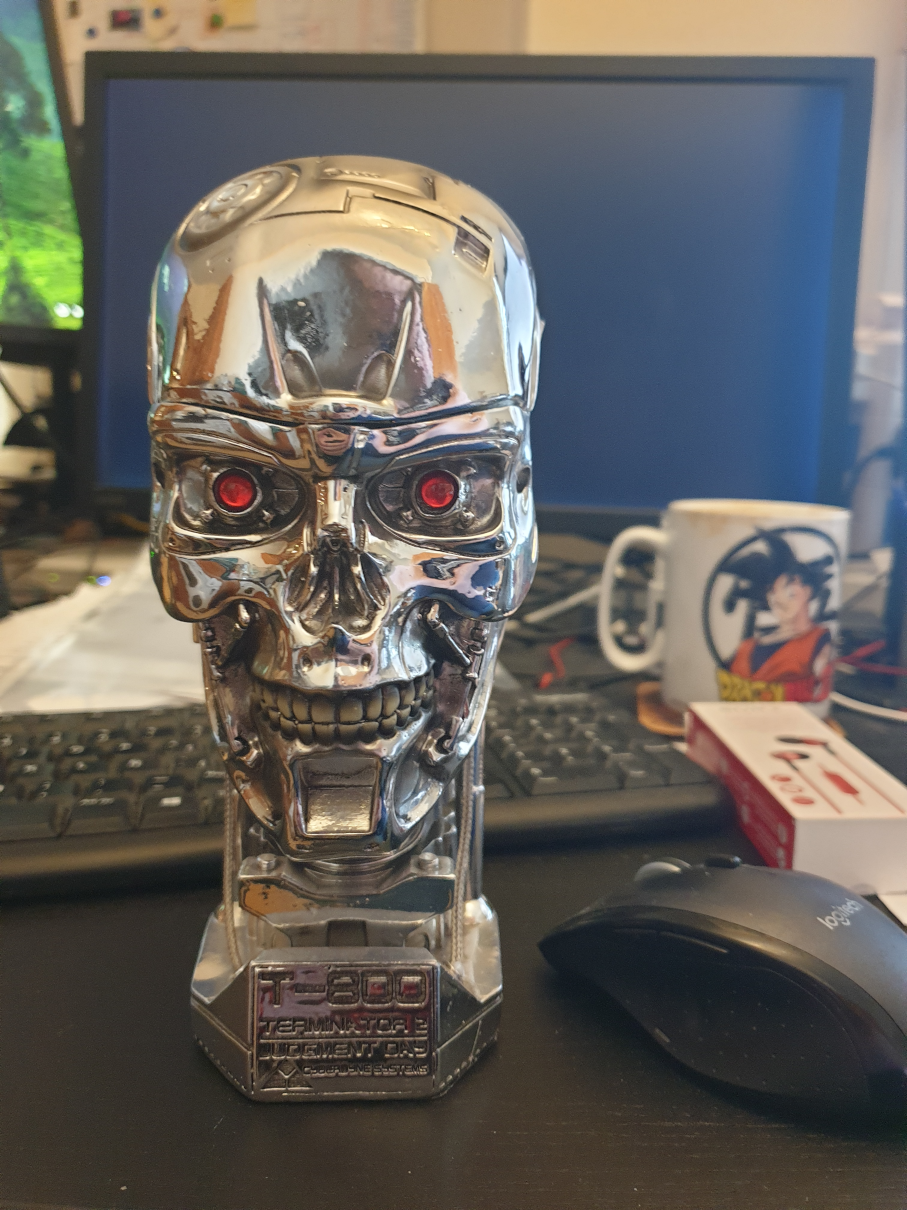
<humor>Skynet sent another terminator to end me, but I terminated it. Its processor lays exhibited in my home now</humor>
I bought a laminator.
It has also a ruler and a trimmer to cut the paper.
It was only €39 and I’ve to say that I’m very happy with the results.
It takes around 5 minutes to be ready, it takes to get to the hot-enough temperature, and feeds the pages slowly, around 50 secs a DIN-A4, but the results are worth the time.
I’ve protected my medical receipts and other value documents and the work was perfect. No bubbles at all. No big deal if the plastic covers are introduced not 100% straight. Even if you pass again an already plasticized document, all is good.
Fun
Databases
One of my friends sent me this image.
It is old, but still it’s fun. So it assumes the cameras of the parking or speed cameras, will OCR the plate to build a query, and that the code is not well protected. So basically is exploiting a Sql Injection.
Anybody working on the systems side, and with databases, knows how annoying are those potential situations.
from urllib import request
from bs4 import BeautifulSoup

s_url = "https://blog.carlesmateo.com/movies-i-saw/"
s_html = request.urlopen(s_url).read().decode('utf8')

o_soup = BeautifulSoup(s_html, 'html.parser')
o_title = o_soup.find('title')

print(o_title.string) # Prints the tag string content

# Another possible way
if o_soup.title is not None:
    s_title = o_soup.title.string
else:
    s_title = o_title.title
print(s_title)